
Export Your Receipts and Expenses — Any Format, Any Time
PDF, Excel, CSV, or ZIP — your data, your way. Filtered exactly how you want.
Your financial data should never be trapped inside a tool. SparkReceipt lets you export everything — receipts, invoices, expenses, income, and transaction data — in the format you need, filtered exactly how you want.
Business Owners in 175 Countries Trust SparkReceipt


Data Exports Before and After SparkReceipt
See what changes when AI organises your data before export

Without SparkReceipt
- Exports full of inconsistent supplier names and missing data
- Hours spent cleaning up spreadsheets after every download
- No link between exported numbers and source documents
- Manual category assignments that are never consistent
- Accountant asks for data in a different format every time

With SparkReceipt
- One-click exports in multiple formats ready in seconds
- Every row links directly to the original receipt or tax invoice image
- Full filtering by date, category, supplier, currency, or tag
- AI-organised data ready for immediate accountant use
- GST extracted and separated on every line, not bundled into the total
Choose the Format That Fits Your Workflow
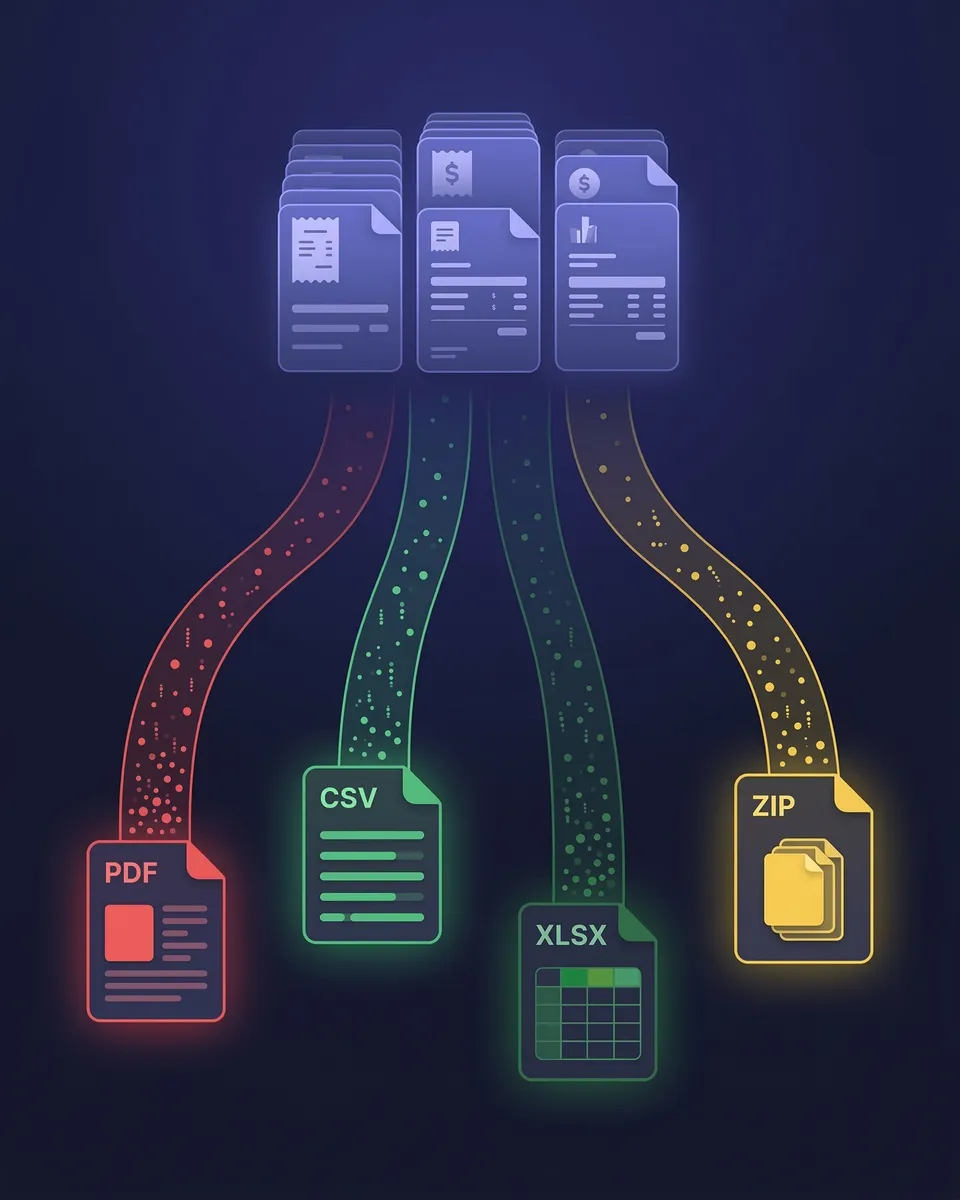
Excel (.xlsx) — Full Financial Detail
Every row includes supplier name, date, amount, GST breakdown, currency, category, and a direct clickable link to the original receipt image. Ideal for pivot tables, deep analysis, or handing a complete expense file to your accountant.
CSV — Lightweight and Universal
Clean, structured data that imports into virtually any software — accounting tools, databases, Google Sheets, custom scripts, or ERP systems. Same fields as Excel. Ideal for pushing data into other tools or archiving long-term.
PDF — Professional Visual Reports
Print-ready expense reports with category breakdowns, GST summaries, and totals. Optionally embed receipt images directly in the document, creating a self-contained report for your accountant or client.
ZIP — All Original Documents
Download every original receipt and tax invoice file in one compressed archive. Each file is named and organised by date, supplier, and category. Ideal for full backups, audit preparation, or migrating to another tool.
Export exactly what you need — nothing more, nothing less
SparkReceipt doesn't just dump everything into a file. Before exporting, you control exactly what's included. Filter by document type, date range, expense category, tags, currency, supplier name, submitting user, or review status.
Need one quarter's expenses to prepare a BAS? Three clicks. Need a full financial-year report running 1 July to 30 June? One click. Your exports are always clean, relevant, and ready to use.
Every number links back to its source document
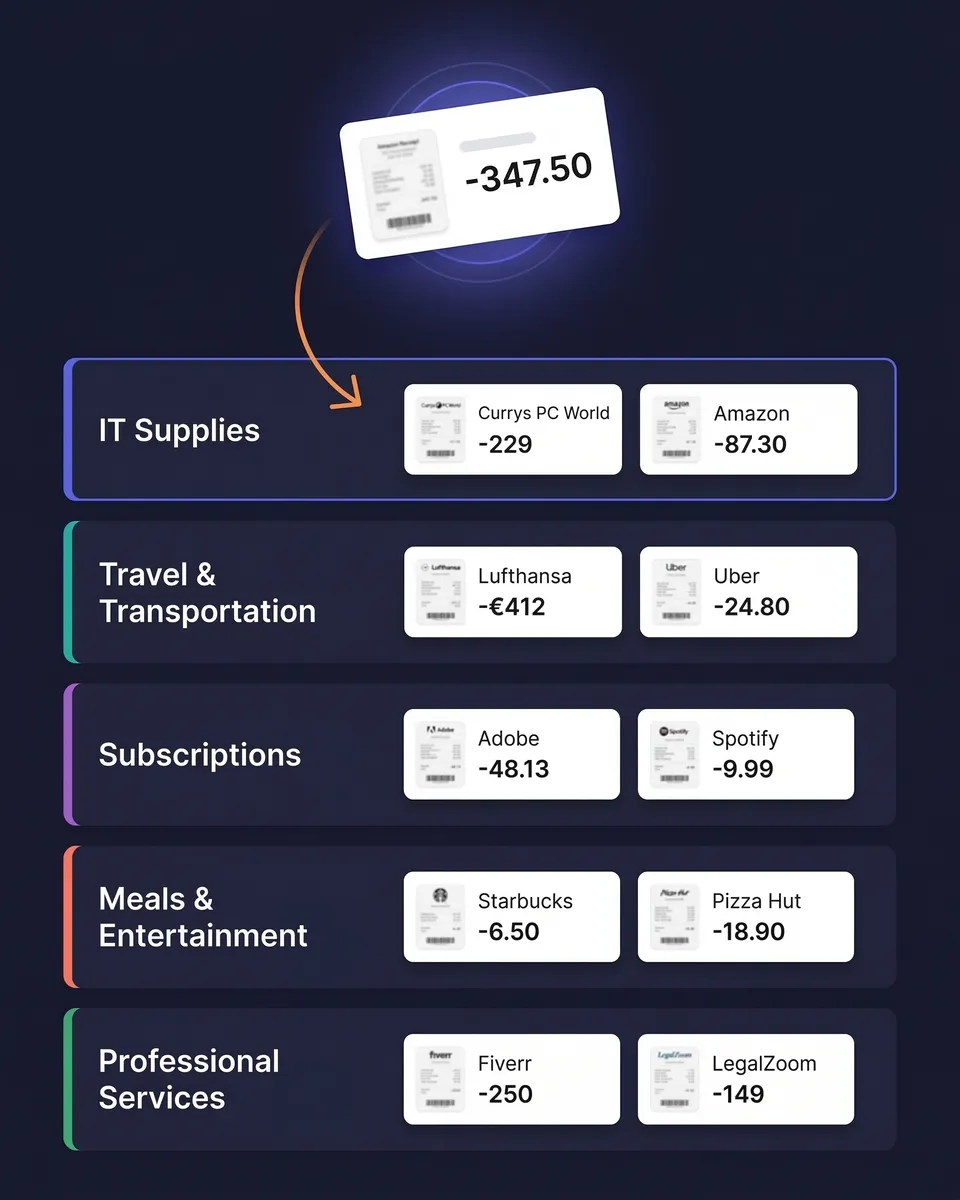
Every row in your Excel and CSV exports includes a direct link to the original receipt or tax invoice image — one click and you're looking at the source document. That matters at BAS time, at year end, and if the ATO ever asks you to substantiate a claim.
Supplier names, dates, amounts, GST breakdowns, currency conversions, and AI-assigned categories are all preserved in every export. Nothing is lost, and nothing has to be reconstructed later. See our guide to ATO record keeping requirements for what you're expected to hold on to and for how long.

AI-organised before you even hit export
Every receipt is scanned by AI, categorised automatically, and verified before it reaches your export file. Supplier names are standardised. GST is read from the document and separated out rather than assumed at a flat rate — which matters on invoices where some items are GST-free. Currencies are detected and converted at the purchase-date rate.
Because everything syncs in real time across web and mobile, you're always exporting the most current, accurate version of your records.

Send your data anywhere — automatically
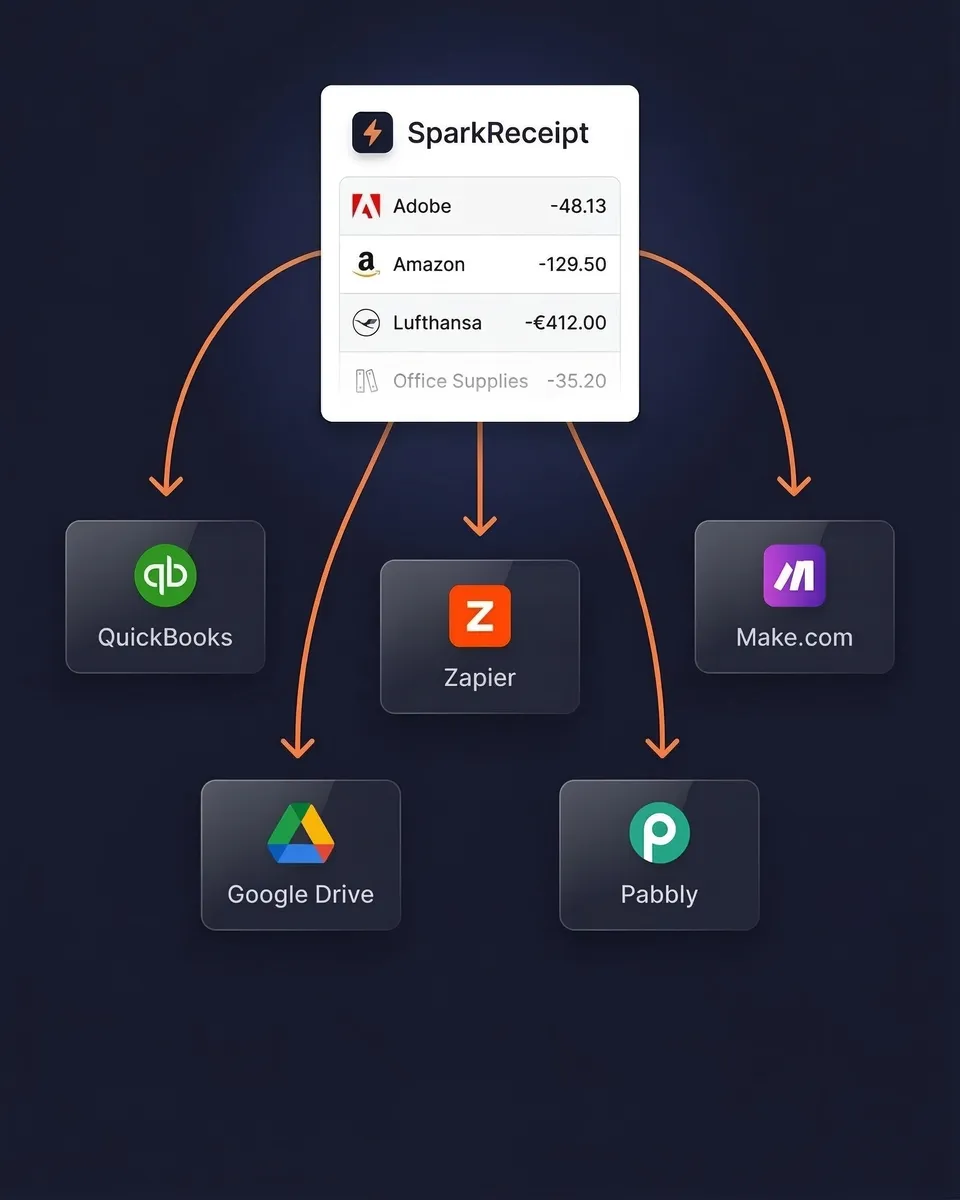
Sync your expense data directly to Xero or QuickBooks Online and keep your books updated without manual imports. Or use webhooks with Zapier, Make.com, or Pabbly to trigger custom workflows.
Your Elite plan includes 1 user, with more at a per-user rate, and your accountant or bookkeeper joins free on top to work in the same account rather than waiting on emailed spreadsheets. They filter and export exactly what they need, in the format they prefer.
Export Your Data, Your Way
Simple, transparent pricing. No hidden fees.
Loved by Small Business Owners
“Excellent software to manage income and expenses, and have the relevant info at your fingertips at any given time.”

Melvin Hoods
MJD Brokers · South Africa
“SparkReceipt has been a game-changer for me! It's made organising my expenses and accounts effortless, saving me loads of time.”

Tracy Duggan
Business Coach · United Kingdom
“Excellent start and amazing team. Looking forward to making SparkReceipt my default expense management and accounting platform.”

Jon Aron
Logic Enterprises · Switzerland
Join 38,283 businesses that chose SparkReceipt — 4,620,044 receipts processed and counting.
Start Free TrialFrequently Asked Questions
SparkReceipt supports four export formats: Excel (.xlsx) with full financial detail and receipt links, CSV for importing into other tools, PDF for professionally formatted visual reports with optional receipt images, and ZIP for downloading all original source documents in one archive. Every format includes supplier names, dates, amounts, GST breakdowns, currencies, and categories.
Yes. You have full control over every export. Filter by document type (expenses, income, or both), date range, expense category, tags, currency, supplier, submitting user, or review status. Only data matching your filters is included — no manual cleanup needed afterwards.
Yes. Excel and CSV exports include a direct clickable link to the original receipt or tax invoice image for every row, giving you complete traceability from any line item back to the source document. PDF exports can optionally embed the receipt images directly in the report.
The ATO accepts digital copies provided they are a true and clear reproduction of the original and remain accessible. Scanning a receipt and keeping the digital copy is fine — you don't have to keep the paper. Records generally need to be kept for five years from when they were prepared or obtained, or the transaction was completed, whichever is later. SparkReceipt stores documents for 10 years, which covers that comfortably.
Yes. GST is read from each document and shown as its own field rather than left inside the gross amount, and line-item extraction means mixed invoices are broken down line by line. That matters when some items on an invoice are GST-free and others aren't — a flat 10% assumption would overstate your credits.
Yes. In an Excel, CSV, or PDF export, set the row format to “One row per line item”. On receipts and tax invoices scanned since September 2026, those rows also include the quantity and unit price where the receipt shows them, with the unit price rounded to two decimal places. A line with no printed quantity counts as one.
Yes. SparkReceipt supports unlimited linked accounts, so you can organise expenses by client, project, property, or business unit. Exports can be generated for any individual linked account or across your entire account, then filtered further by date, category, or any other criteria.
No limits. Export as often as you need — daily, weekly, quarterly for BAS, or on demand. There are no export caps, no cooldown periods, and no extra charges for exports.
Yes. The Elite plan includes 1 user, with more at a per-user rate, and inviting your accountant is always free. They log in, filter your organised expense data, and export exactly what they need, with no emailed spreadsheets and no shared credentials.
Yes, both directly — categorised expenses and receipt images sync across automatically, ready to match against your bank feed. For other tools, use webhooks with Zapier, Make.com, or Pabbly to push data to Google Drive, FreshBooks, or any platform that accepts CSV or webhook triggers.
Yes. If you use SparkReceipt's bank statement extractor, extracted transactions are included in your exports alongside your scanned receipts and tax invoices. Matched transactions link to their corresponding receipts, giving you a complete picture with both bank data and source documents in one file.
Stop Fighting With Exports. Start Downloading Clean Data.
Get StartedExplore More Features
Receipt Scanner
AI-powered receipt scanning in seconds
Expense Tracker
Track every business expense automatically
Expense Reports
Generate reports in PDF, Excel, or CSV
Bank Statement Extractor
Extract and match bank transactions
Credit Card Receipts
Scan and match credit card receipts
Email Receipts
Auto-import receipts from your inbox