On Price, They're Close. That Isn't the Point
For a small team, the sticker prices are almost identical. Expensify Collect is US$5 per member per month, so three members is around US$15/month. SparkReceipt Elite is $14.92/month billed annually with 1 user included; add more at a per-user rate.
So don't switch to save a dollar. The differences that matter are structural.
Expensify charges per member, so cost tracks headcount. Bring in a fourth and fifth person and Collect scales with them. Move up to Control for approval flows, custom rules, or ERP integration pricing is custom, from as low as US$9 per active member a month with an annual commitment and the Expensify Card. SparkReceipt includes 1 user and adds more at a low per-user rate. Your accountant is always free.
Expensify's free plan is for submitting, not bookkeeping. The free Submit plan comes with a monthly allowance of free SmartScans, while the QuickBooks and Xero integrations sit on Collect and above. It's worth knowing before you build a workflow on the free plan.
| Expensify | SparkReceipt Elite |
|---|
| Built for | Employee expense reimbursement | Owners and freelancers keeping their own records |
| Pricing model | Per member, per month (Collect US$5; Control custom, as low as US$9) | Flat base, 1 user included, more at a per-user rate |
| Receipt scanning | SmartScan | AI extraction with line items |
| Bank statement extraction | Not offered; focused on card transaction imports | Included, each line matched to a receipt |
| Income tracking | Expense and reimbursement focused | Auto-detects expense vs income |
| Approval workflows | Extensive, multi-stage | Not the focus |
| Corporate cards | Expensify Card | Not offered |
| Travel booking | Built in | Not offered |
| Accounting sync | QuickBooks, Xero, NetSuite, Sage Intacct | QuickBooks Online, Xero, Zapier, Make |
| AI | AI and human support | SparkAgent, an AI agent that acts on your records |
| Free trial | Free Submit plan | 7 days, full access |
Choose Expensify If
- You reimburse employees and need submission, approval, and payment in one flow
- You want corporate cards with spend controls
- You need travel booking inside the expense tool
- You're on NetSuite or Sage Intacct and need a deep ERP integration
- Your team is large enough that per-seat pricing is simply the cost of doing business
That's a real product for a real problem, and if it describes you, Expensify is the better fit. We'd rather tell you that than sell you the wrong thing.
Choose SparkReceipt If
- You're the one keeping the books, not approving someone else's claims
- You want your bank statement and your receipts reconciled against each other
- You track money coming in as well as going out
- You buy from suppliers abroad and need currency handled properly
- You want your accountant in the same account without a separate seat negotiation
Bank statement extraction and matching. Upload a PDF, CSV, or Excel statement and the bank statement extractor pulls out every transaction, then matches each one against the receipts in your archive. Unmatched transactions are flagged. Expensify imports card transactions but doesn't extract bank statements, and this is the step that turns a pile of receipts into books that reconcile.
Income, not just expenses. SparkReceipt works out whether a document is money in or money out and files it accordingly. Sales invoices and purchase receipts live together. Expensify is oriented around spend.
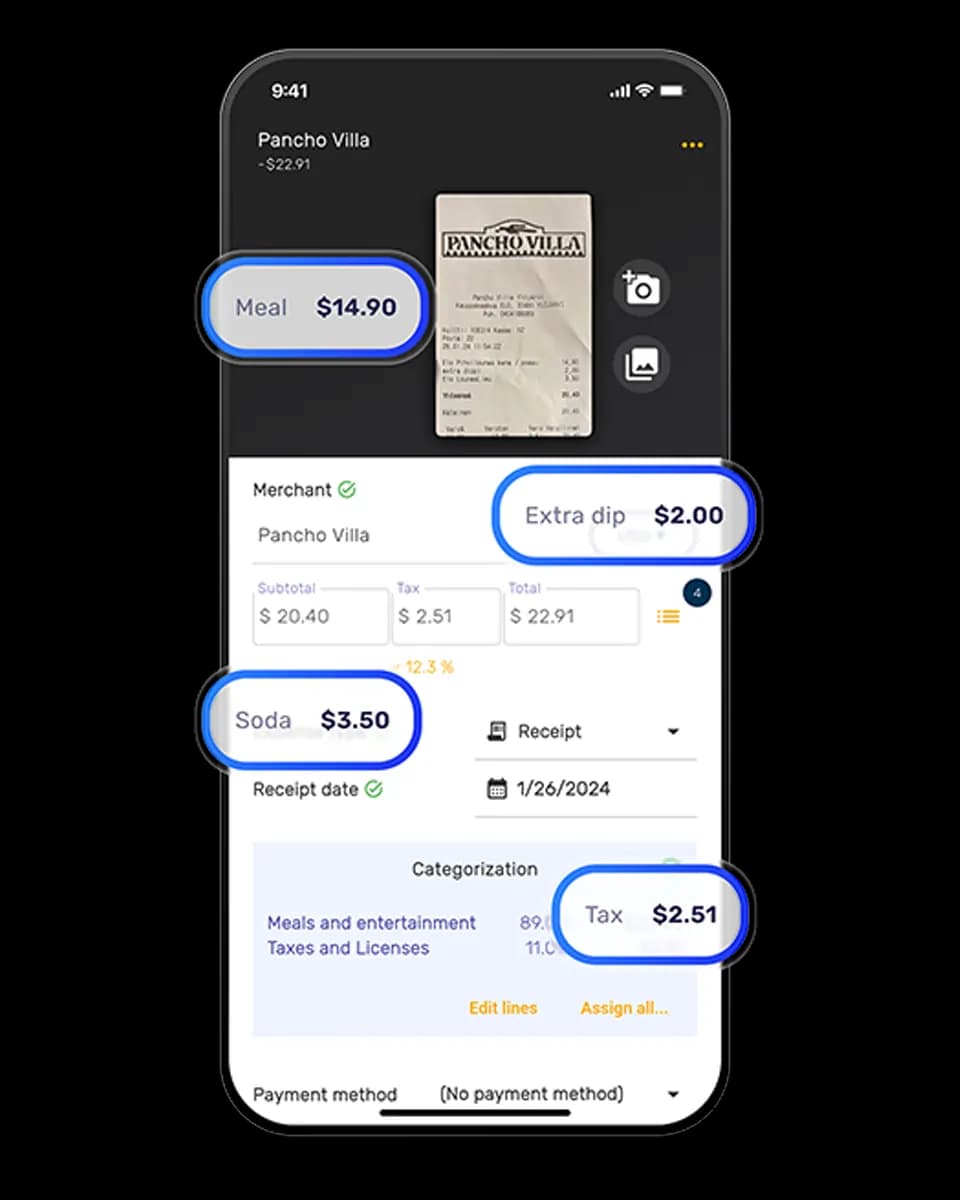
Extraction that reasons about the document. The receipt scanner reads the whole receipt in context: language, currency, the country it came from and how tax applies there, and the individual line items. Unfamiliar suppliers and crumpled till receipts are handled the same as clean digital invoices.
190 currencies. Each receipt is processed in its original currency and converted at the rate that applied on the purchase date.
Records the CRA expects. The CRA requires you to keep your receipts and supporting documents for six years, and SparkReceipt keeps each one digitally, linked to the transaction and sorted into the expense categories that map to your T2125. SparkReceipt is not tax-filing software and doesn't submit anything to the CRA; it keeps the records clean so filing, or handing to your accountant, is quick.
SparkAgent. A built-in AI agent you can hand work to in plain language: search, categorize a batch, summarize a period, update records.
Expensify pricing above is taken from Expensify's pricing page, in USD (it has no CAD view), as of September 2026. Plans and pricing change, so check expensify.com for current figures. SparkReceipt is not affiliated with or endorsed by Expensify.