
Receipt Scanner for Xero
Scan receipts with AI — sync to Xero automatically.
Stop typing receipts into Xero by hand. SparkReceipt's AI reads every receipt, invoice, and expense document — then syncs the extracted data straight into Xero through a direct integration, with the original image attached. Snap a photo, forward an email, or upload a PDF, and watch it land in your books ready to match against your bank feed.
Business Owners in 175 Countries Trust SparkReceipt


AI captures every detail — vendor, amount, date, GST/HST, category
The Receipt Scanner Xero Users Reach For
Xero's built-in capture handles straightforward receipts well. Where it gets harder is the messy end of the pile — faded receipts, handwritten notes, vendor invoices with a dozen lines, or documents mixing taxable, zero-rated, and exempt items.
SparkReceipt's AI reads the whole document in context rather than matching it against a template. It extracts vendor, amount, date, GST/HST, and individual line items, and it reads the tax actually shown on the document instead of applying an assumed rate. The result syncs to Xero mapped to your chart of accounts.
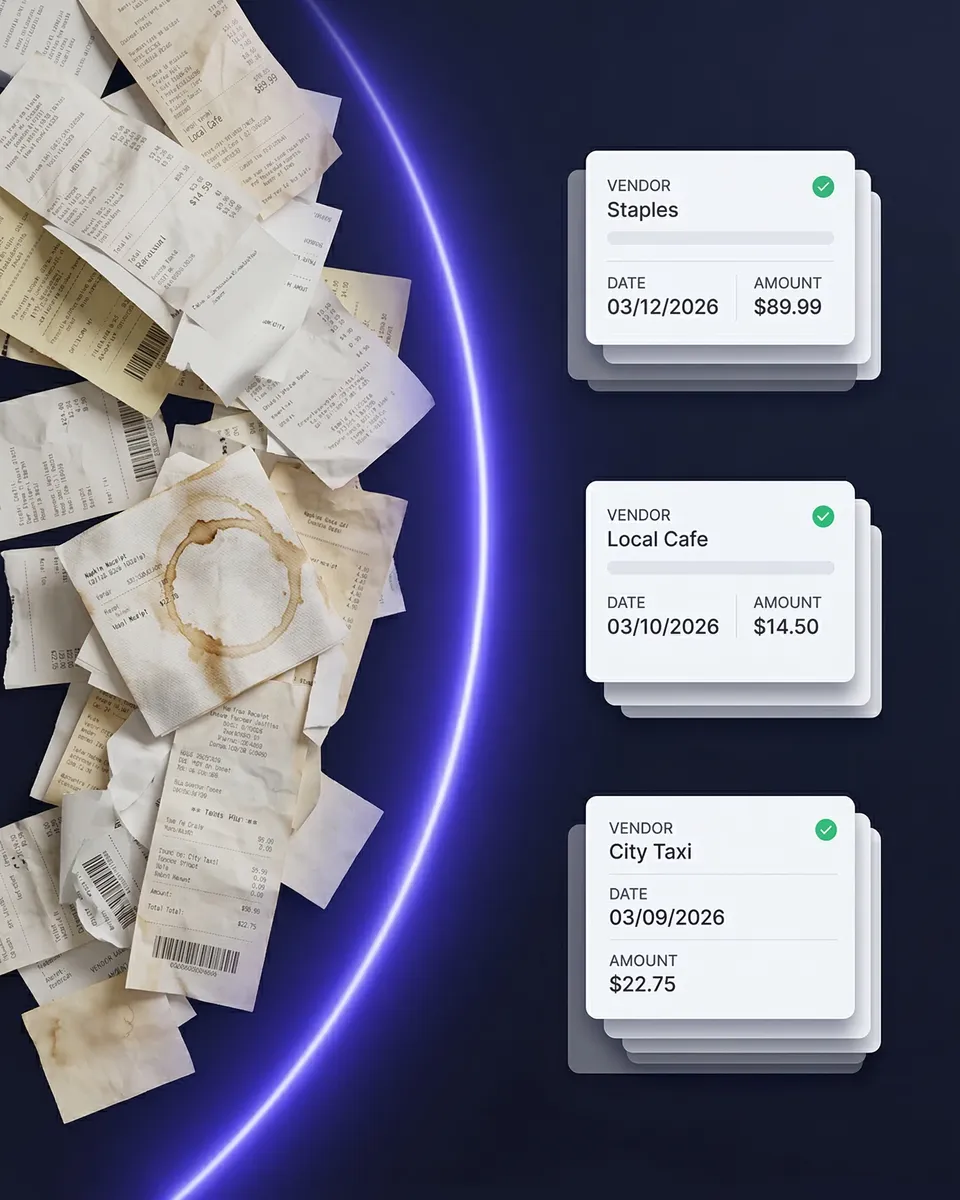
Every receipt captured, categorized, and synced automatically
Scan Receipts to Xero — No Manual Entry
Here's the whole loop. Capture a receipt — photo, file upload, or email forward. The AI pulls out vendor, amount, date, GST/HST, currency, and category. The expense is categorized against your Xero chart of accounts. It syncs across and appears in Xero ready to reconcile against your bank feed, with the receipt image attached as supporting documentation.
No typing, no CSV exports, no switching between apps. And when your accountant queries a transaction at year end, the source document is already sitting on it.
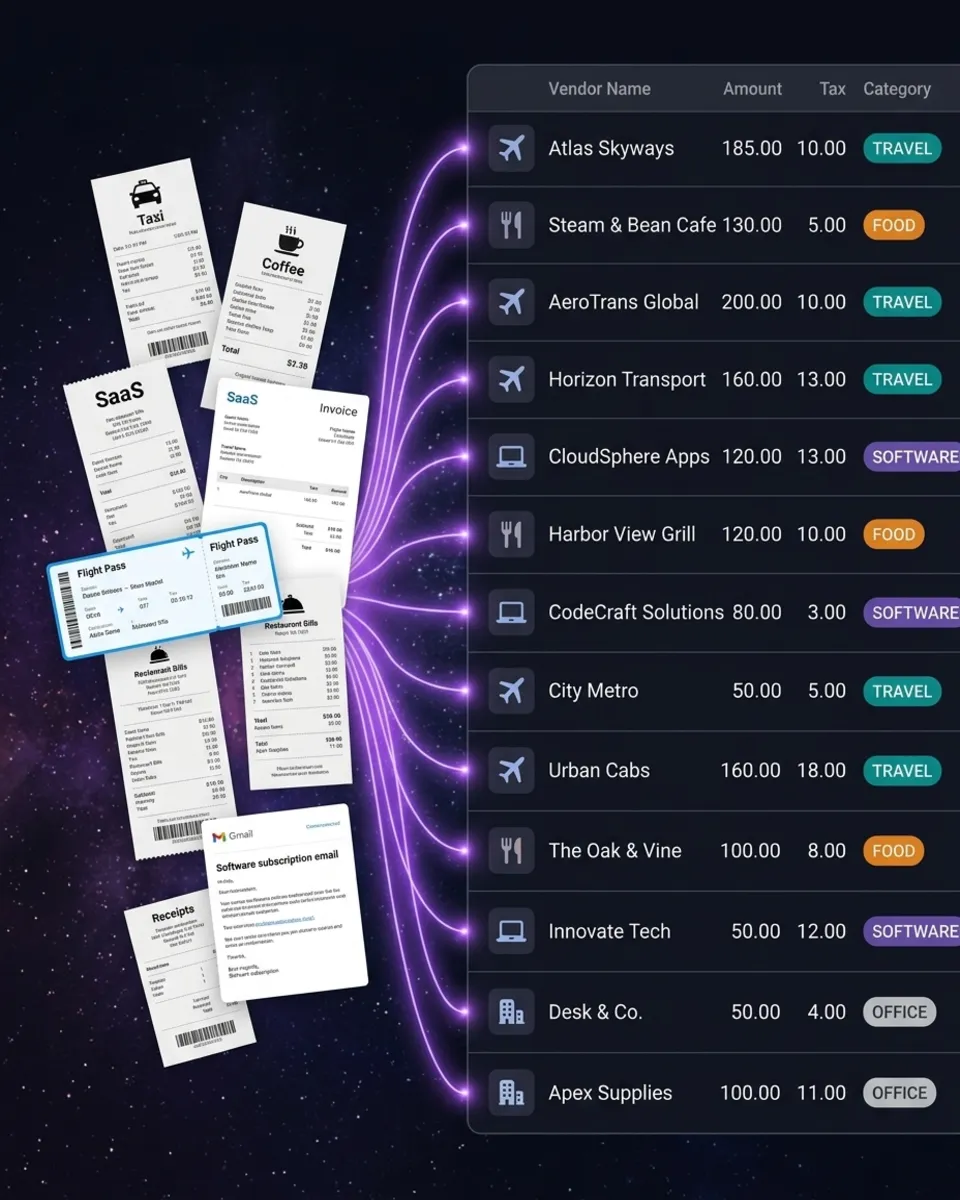
Bank statements extracted and matched to the receipts that prove them
Close the Gap Between Your Bank Feed and Your Receipts
Your Xero bank feed tells you money left the account. It doesn't tell you what for, or whether you can evidence it.
Upload a bank or credit card statement to SparkReceipt as a PDF, CSV, or Excel file and the AI extracts every transaction, then matches each one against the receipts in your archive. Matched transactions link to their source document. Unmatched ones are flagged — so you can see exactly which spends have proof behind them and which don't.
That distinction is what the CRA cares about. A bank line on its own isn't a record of what the spend was for; the receipt is.
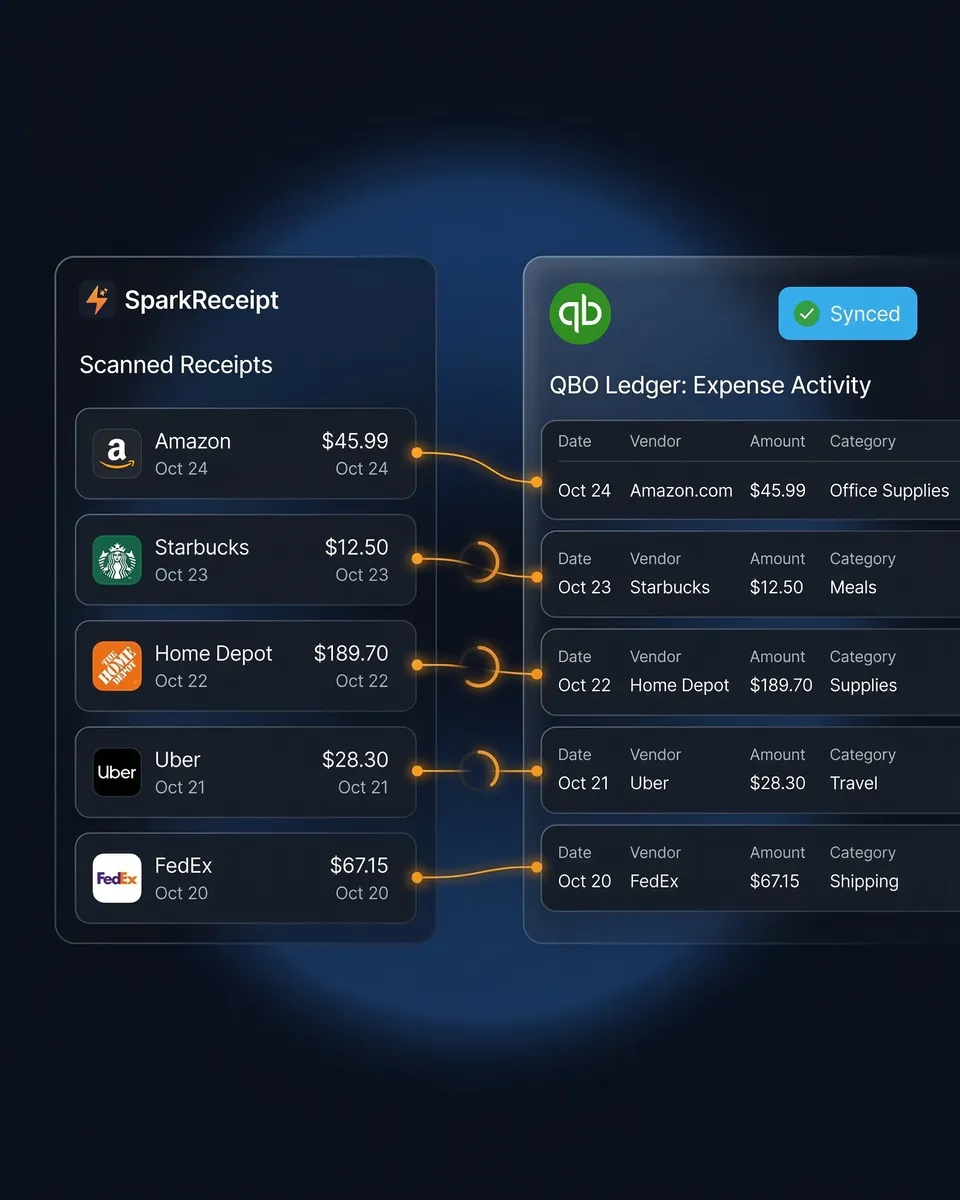
How Receipt Scanning to Xero Works
Capture Any Receipt or Invoice
Snap a photo on iPhone or Android. Upload PDFs, images, or documents from your computer. Forward vendor emails and let them come in automatically. SparkReceipt reads printed, handwritten, crumpled, and faded documents, in any language and 190 currencies.
AI Extracts and Categorizes Automatically
The AI extracts vendor name, total, date, GST/HST, currency, and line items, then categorizes the expense against your Xero chart of accounts. It learns your regular vendors, so the merchants you buy from every week land in the right account without correction.
Push to Xero Automatically
Categorized expenses sync to Xero through a direct API connection and appear ready to match against your bank feed. Receipt images travel with them, so any transaction can be verified without coming back to you. Foreign-currency purchases sync at the purchase-date rate.
Loved by Small Business Owners
“I needed a solution to organize and process my personal and business receipts. I'm thrilled I found SparkReceipt. It saves me a lot of time!”

Frédéric Thériault
Productions Locavores · Canada
“SparkReceipt is one of the very few software purchased that exceeded my expectations. Great product, great features, great value.”

Robert Connolly
The Internet Design Co. · Scotland
“The scan accuracy is the most precise out there. Just try it!”

Christina Sust
INMIZE · Spain
Join 38,283 businesses that chose SparkReceipt — 4,620,044 receipts processed and counting.
Start Free TrialStill Entering Receipts Into Xero By Hand?
See what changes when AI handles the capture
Without SparkReceipt
- Typing receipts into Xero one transaction at a time
- Receipts piling up because manual entry takes too long
- Bank feed lines with no receipt attached to them
- Guessing the GST/HST split on mixed vendor invoices
- Hunting for documents when your accountant asks at year end
With SparkReceipt
- AI scans receipts and syncs to Xero in seconds — no typing
- Every receipt captured the moment you get it — phone, email, or upload
- Receipt images attached to every synced Xero transaction
- GST/HST read from the document, line by line
- Bank statement transactions matched to receipts, with gaps flagged
Frequently Asked Questions
After you have signed up for an account on SparkReceipt, send a message to support@sparkreceipt.com and we will activate it in your account.
It depends what you're scanning. Xero's built-in capture and Hubdoc handle clean documents well. SparkReceipt is built for the harder end — faded receipts, handwritten notes, multi-line vendor invoices, mixed GST/HST rates, and documents in other languages and currencies. Data syncs to Xero directly with receipt images attached.
Yes. Scan a receipt in SparkReceipt — phone photo, PDF upload, or email forward — and the extracted data syncs directly to Xero. No CSV exports, no copy-pasting. The transaction appears in your Xero books categorized and ready for bank reconciliation.
It reads the tax shown on the document rather than applying an assumed rate. That matters on invoices mixing taxable, zero-rated, and exempt items, and on purchases from vendors who aren't registered for GST/HST. Line-item extraction is included in the Elite plan, so the breakdown comes through rather than a single total.
It helps with the record-keeping side. The CRA requires you to keep records of your business income and expenses and to retain the source documents for six years. SparkReceipt keeps each record linked to the underlying receipt or invoice, then syncs to Xero. It is not tax-filing software and does not submit anything to the CRA — Xero or your accountant handles filing. SparkReceipt makes sure the records behind it are complete.
Dext sells line-item extraction and bank statement extraction as separate add-ons on top of its base subscription. SparkReceipt Elite is $14.92/month billed annually with 1 user, more at a per-user rate, unlimited documents, and both of those included. Both integrate with Xero. Dext's practice-side tooling for accounting firms managing many clients is more developed than ours.
The Xero integration is available now and works through a direct API connection as an independent, third-party app. You can connect your account and sync receipts and expenses as normal.
Yes. SparkReceipt reads receipts in virtually any language and processes 190 currencies, converting at the exchange rate that applied on the purchase date rather than today's rate. Useful if you buy from US vendors or pay for software priced in US dollars.
Yes. Every plan includes 1 user, and you can add teammates any time at a per-user rate. They can see scanned receipts, categories, and reports in SparkReceipt alongside whatever has synced to Xero. Your accountant or bookkeeper joins free on top and never uses a paid seat.
Simple, Transparent Pricing
One user included, more at a per-user rate.





Ready to Automate Your Xero Receipts?
Get StartedSparkReceipt integrates with Xero as an independent, third-party app. Xero is a trademark of Xero Limited. SparkReceipt is not affiliated with, endorsed by or sponsored by Xero.