
Receipt Scanner for FreshBooks
Scan receipts with AI — publish to FreshBooks in one click.
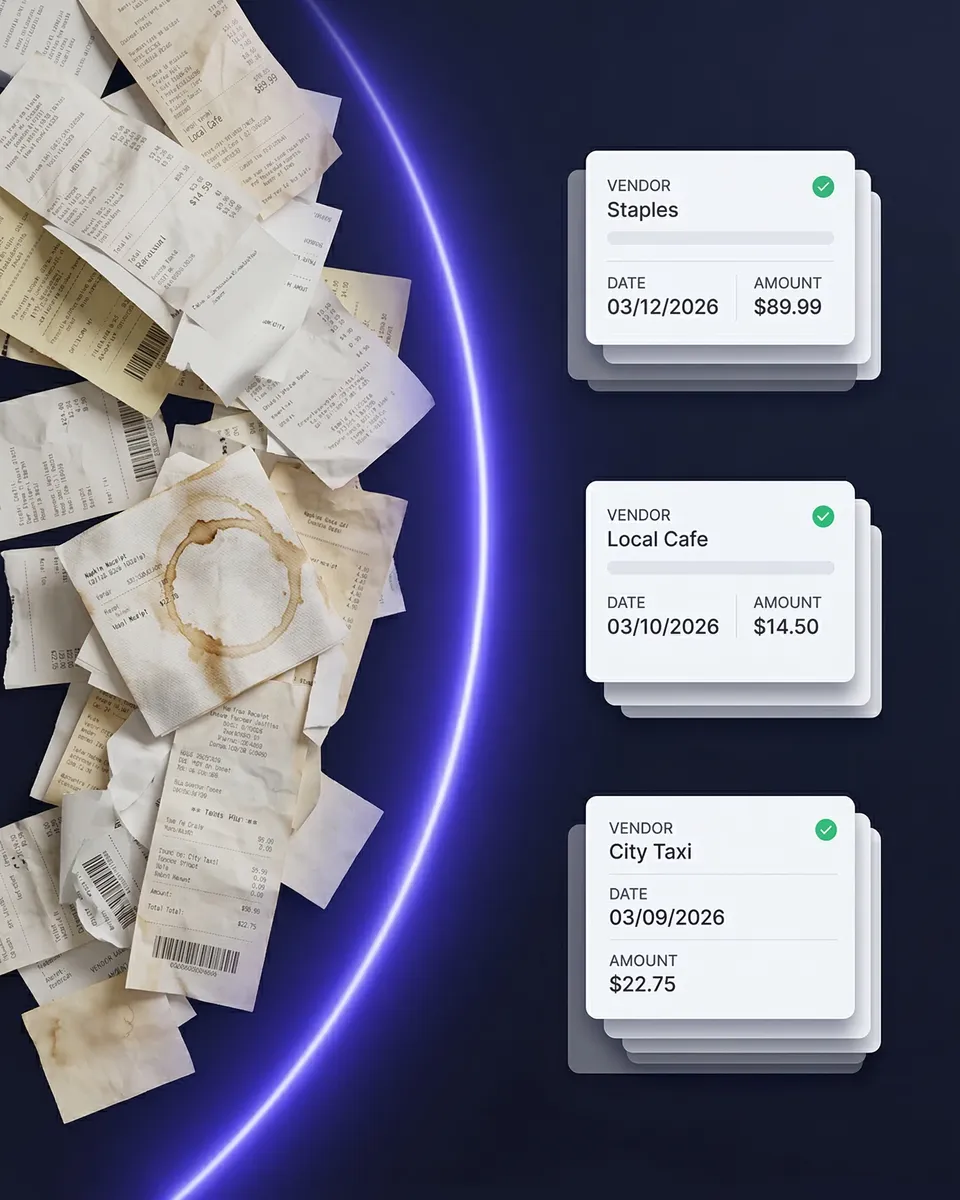
Stop typing receipts into FreshBooks by hand. SparkReceipt's AI reads every receipt, supplier bill, and sales invoice — then publishes the extracted data straight into FreshBooks through a direct integration. No CSV exports, no copy-pasting, no missed transactions. Snap a photo, forward an email, or upload a document, and it lands in FreshBooks with the original image attached.
Business Owners in 175 Countries Trust SparkReceipt


AI captures every detail — vendor, amount, date, tax, category
The Best Receipt Scanner App for FreshBooks
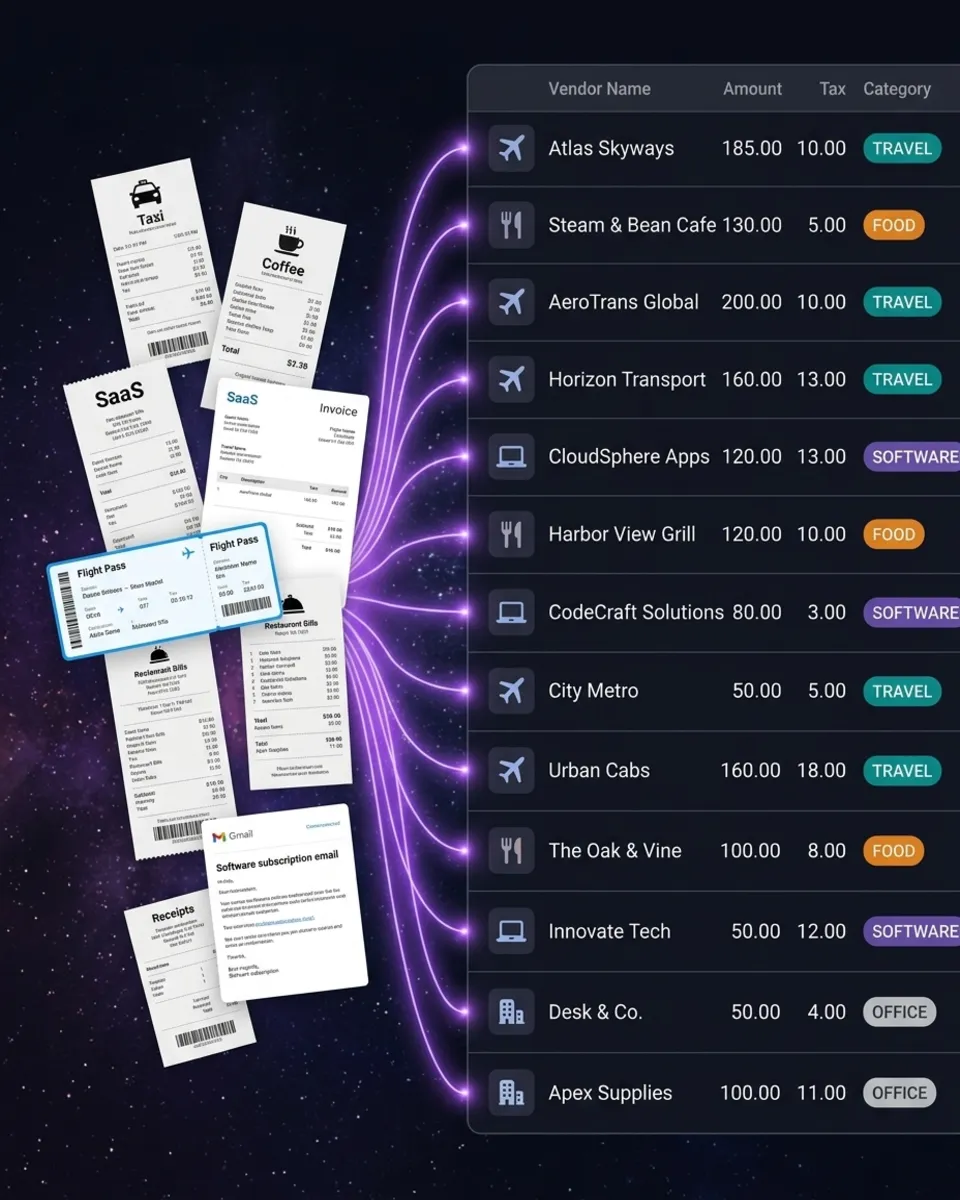
FreshBooks is great at invoicing, time tracking, and reporting — but its receipt capture is basic. SparkReceipt fills that gap. Snap a photo with your phone, upload a PDF, or let SparkReceipt fetch receipts from your Gmail, Microsoft, or IMAP inbox automatically. The AI extracts vendor, amount, date, tax, currency, and line items, and files each expense under one of your FreshBooks expense categories. When you're happy with it, publish it to FreshBooks in one click — or turn on auto-publish and let every new expense go through the moment it's scanned.
Expenses, Bills, and Invoices — the right FreshBooks record every time
Publish Receipts to FreshBooks — No Manual Entry
SparkReceipt maps each document to the FreshBooks record you'd create yourself. Paid receipts become FreshBooks Expenses. Unpaid supplier invoices become Bills, so they sit in accounts payable until you pay them. Sales invoices and income become FreshBooks Invoices, with the payment recorded when the document is marked as paid. Your FreshBooks categories, clients, vendors, and taxes are imported into SparkReceipt, so what you publish matches your books — and the original receipt image is attached to every record.
Receipts in 190 currencies, published in the currency you paid in
Built for Multi-Currency FreshBooks Users
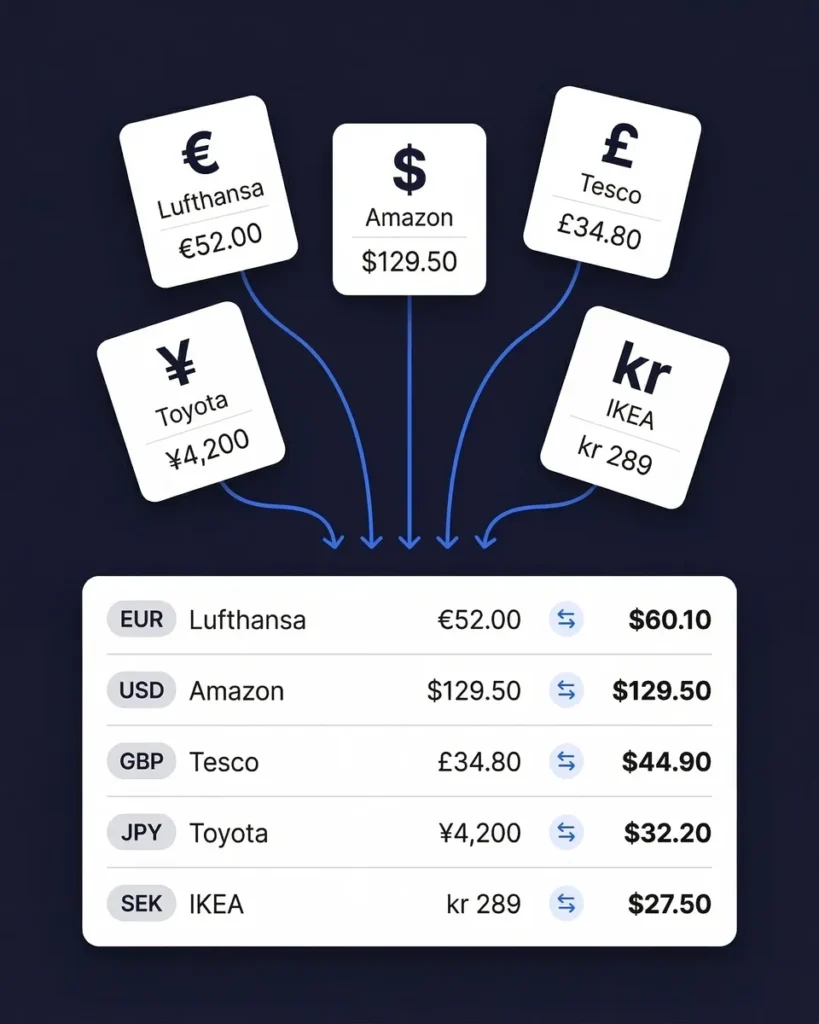
Our AI reads receipts in any language and 190 currencies. Scan a supplier invoice in euros, a taxi receipt in Japanese yen, or a SaaS subscription in US dollars — each one is captured in its original currency and published to FreshBooks the same way, so your FreshBooks records match what was actually paid. No manual currency lookups, no conversion spreadsheets.
Track every business expense — receipts, bills, and bank statements
Expense Tracker That Works With FreshBooks
SparkReceipt isn't just a receipt scanner — it's a full expense tracker that feeds into FreshBooks. Capture receipts from your phone, import email receipts automatically, and upload bank statements to catch anything you missed. AI categorizes every expense and learns your spending patterns over time. Generate expense reports by category, vendor, or time period — then publish everything to FreshBooks. Your accountant gets clean books without chasing you for receipts.
How Receipt Scanning to FreshBooks Works
Capture Any Receipt or Invoice
Snap a photo with your iPhone or Android. Upload PDFs, images, or documents from your computer. Let SparkReceipt fetch receipts from your inbox automatically. The AI reads any format — printed, handwritten, crumpled, faded, or in a foreign language.
AI Extracts and Categorizes
Vendor, amount, date, tax, currency, and line items are extracted in seconds. Each expense is categorized against your own FreshBooks expense categories, which SparkReceipt imports when you connect.
Publish to FreshBooks
Publish one document, a whole batch, or turn on auto-publish. Paid receipts become Expenses, unpaid supplier invoices become Bills, and income becomes Invoices — each with the original image attached.
Before and After SparkReceipt
Without SparkReceipt
- Typing every receipt into FreshBooks by hand
- Receipts lost in inboxes, wallets, and glove boxes
- Foreign-currency receipts converted in a spreadsheet
- No receipt images attached to FreshBooks expenses
- Accountant asking you to find receipts at tax time
With SparkReceipt
- AI scans receipts and publishes to FreshBooks in seconds — no typing
- Every receipt captured the moment you get it — phone, email, or upload
- 190 currencies captured and published as paid — no manual lookups
- Original receipt images attached to every FreshBooks record
- Invite your accountant to your account at any time
Frequently Asked Questions
The FreshBooks integration is in beta and is switched on per account. After you have signed up for SparkReceipt, send a message to support@sparkreceipt.com or use the in-app chat, and we will activate it for you. Once it's on, open Integrations in the SparkReceipt web app and click Connect to FreshBooks.
When you connect, SparkReceipt imports your FreshBooks expense categories, clients, vendors, bank accounts, income accounts, and taxes. When you publish, paid receipts become FreshBooks Expenses, unpaid supplier invoices become Bills, and income becomes Invoices — with a payment recorded for paid income and the original receipt image attached.
It's your choice. Publish documents one at a time or in bulk from the SparkReceipt web app, or turn on auto-publish so every new expense is sent to FreshBooks as soon as it's scanned. You can switch auto-publish on or off at any time in the integration's preferences.
Yes. Scan with the SparkReceipt iOS or Android app and publish to FreshBooks from the mobile app or the web app. Connecting your FreshBooks account is done once, in the web app.
Yes. Our AI reads receipts in 190 currencies. Each document is published to FreshBooks in its original currency, so your FreshBooks records match what was actually paid.
Yes. SparkReceipt is a full expense tracker that integrates with FreshBooks. It captures receipts from photos, email, and bank statements, categorizes everything with AI against your FreshBooks categories, and lets you generate expense reports before publishing.
Yes. Invite your accountant or bookkeeper to your account at any time. They can view all your scanned receipts, expense categories, and reports directly in SparkReceipt — in addition to the data that lands in FreshBooks.
SparkReceipt Elite is $10.75/month billed annually ($129.00/year), includes 1 user, with more at a per-user rate, and comes with a 7-day free trial. Unlimited document scanning is included.
Yes. SparkReceipt also integrates directly with QuickBooks Online, Xero, and Zoho Books, and connects with Zapier, Make.com, and Pabbly via webhooks. One accounting integration can be connected per account at a time.
Simple, Transparent Pricing
1 user included, add more at a per-user rate. No hidden costs.
Explore More Integrations







Loved by Small Business Owners
“Thanks to SparkReceipt I have a quick look to my business accounts status in a glance. It is really impressive.”

Rafael Roa
System Arquitectura · Spain
“With SparkReceipt, organizing and tracking expenses has never been easier. The detailed categorization and expense tracking features make financial management a breeze. Plus, the ability to easily share receipts and collaborate with others adds an extra level of convenience.”

Jean-Pierre Michael
Artist · France
“SparkReceipt is one of the very few software purchased that I have made that exceeded my expectations. It does much more than keeps copies of your business receipts, it provides great reports, with easy edit options — it is going to save me a lot of work when I do my annual tax returns — a great product.”

Robert Connolly
The Internet Design Co. · Scotland
Join 38,283 businesses that chose SparkReceipt — 4,620,044 receipts processed and counting.
Start Free TrialReady to Automate Your FreshBooks Expenses?
Get StartedSparkReceipt integrates with FreshBooks as an independent, third-party app. FreshBooks is a trademark of 2NDSITE Inc. SparkReceipt is not affiliated with, endorsed by or sponsored by FreshBooks.