
Meet SparkAgent
The AI assistant that does your books, not just talks about them
SparkAgent is the AI assistant built into SparkReceipt. Ask it about your finances or hand it the work: it searches, tags, categorizes, edits line items, reconciles bank statements, builds reports, and publishes to QuickBooks Online or Xero — from a plain-language prompt, across hundreds of documents in seconds. Prefer your own AI tool? Connect it over MCP and run the same actions from there.
Business Owners in 175 Countries Trust SparkReceipt


Accounting in Plain English
Ask in Plain Language
Type what you want the way you'd say it: "Find all June expenses and tag them as Vacation." A good prompt usually names the documents to find and the action to take. SparkAgent works in whichever language you think in.
SparkAgent Does the Work
It finds the right set of documents, then acts on them — tagging, categorizing, editing, reconciling, or summarizing across hundreds at once. It's doing the work, not just answering questions about it.
You Stay in Control
Reversible changes apply directly. Anything that can't be undone — like publishing to an outside system — pauses for your approval first. Permanently deleting and merging documents are never handed to the agent; those stay in your hands.
Search and discover
Find Anything Buried in Your Account
No more endless scrolling or export gymnastics. Ask SparkAgent to surface exactly what you need:
- "Find travel-related receipts."
- "Show Q2 2025 receipts."
- "Show travel-related expenses in Q2 2025."
- "Find documents with tag Q2."
- "Find large expenses in H1."
It searches by keyword, date range, tag, and combinations of all three — and can flag anomalies so nothing unusual slips past you.
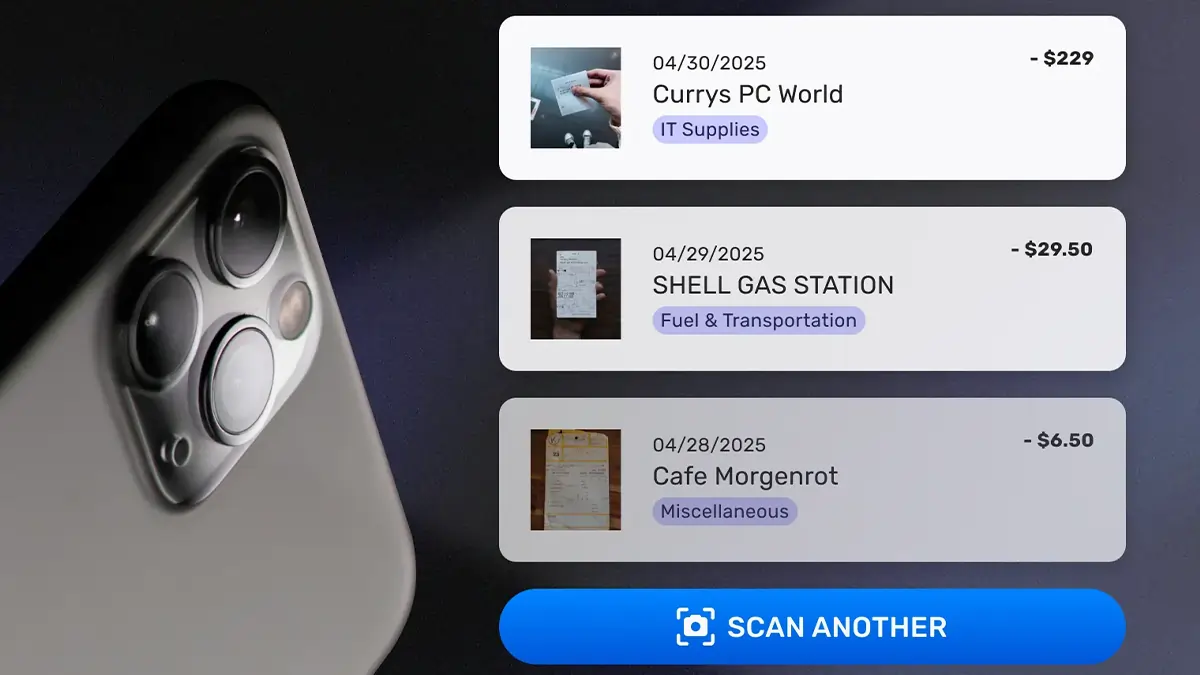
Update in bulk
Edit Hundreds of Documents in One Sentence
SparkAgent doesn't just find things — it updates them. Editing runs deep: it can set document categories, edit individual line items and their categories, add descriptions and tags, and change review status in bulk.
- "Categorize all my uncategorized June expenses."
- "Find all restaurant expenses from June without attendee info and add 'Joel and Frank' to the description."
- "Split this receipt's line items and put the delivery fee in its own category."
- "Find all March receipts and mark them as reviewed."
What used to mean ticking through dozens of documents by hand now takes a single prompt.
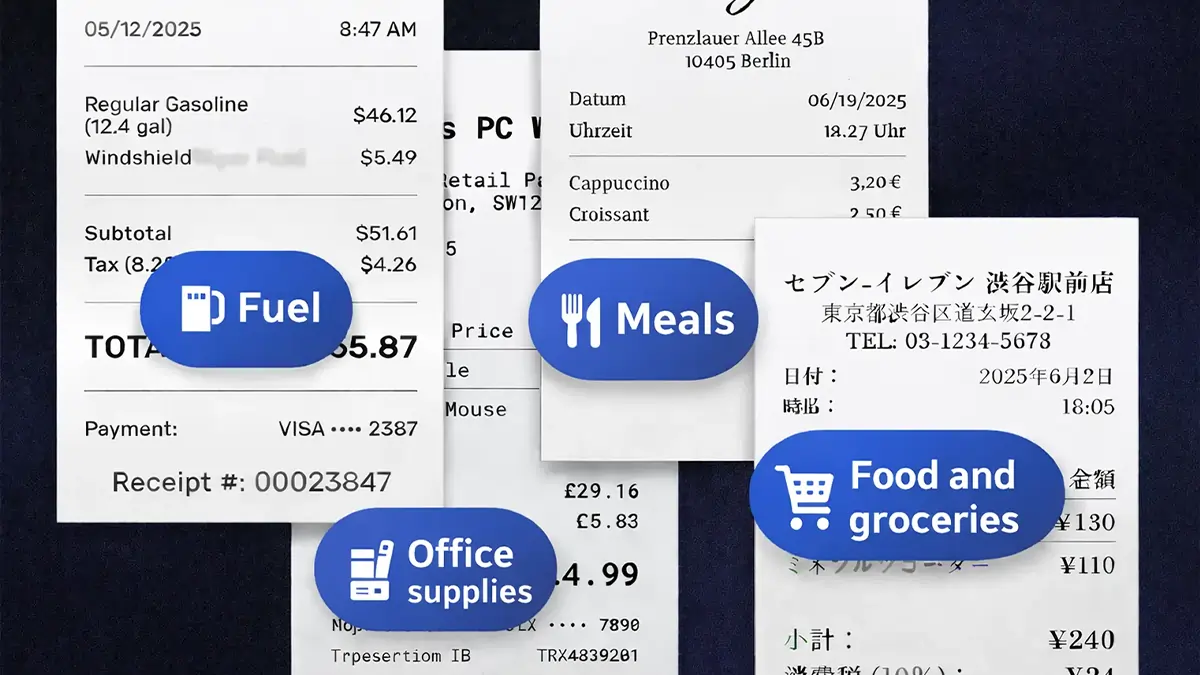
Reconcile and publish
Close the Loop Without Leaving the Chat
The steps that used to mean jumping between screens happen right in the conversation:
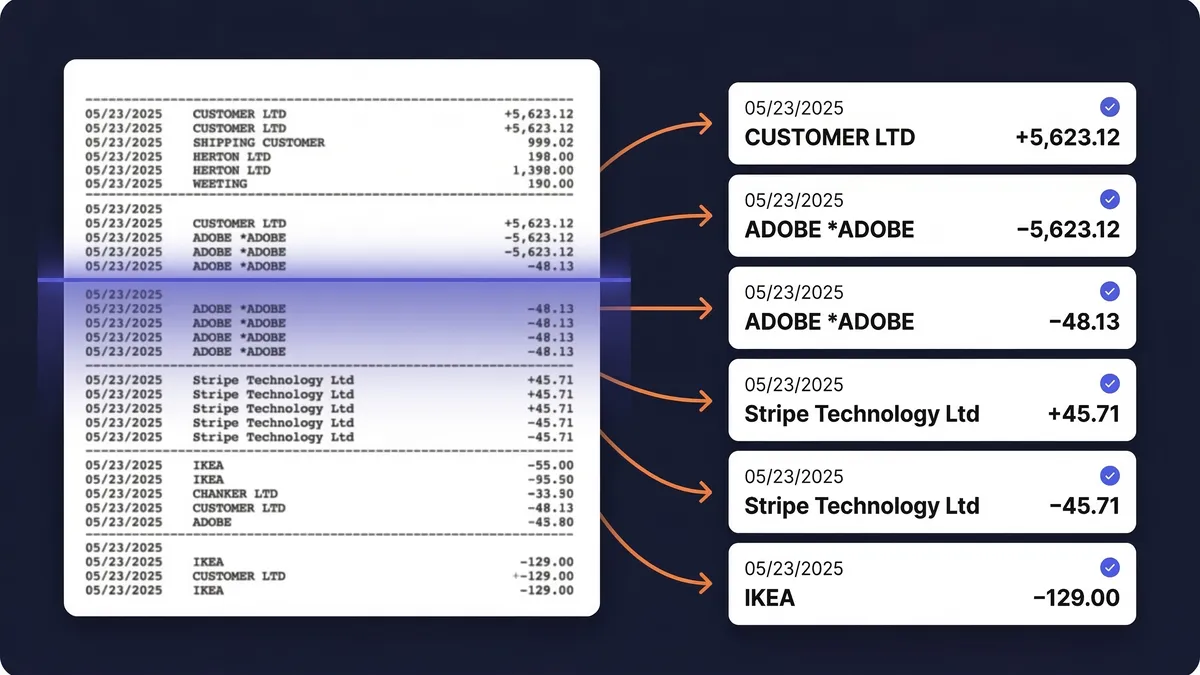
- "Reconcile last month's bank statement against my expenses."
- "Publish all reviewed March invoices to QuickBooks."
- "Send these expenses to Xero."
Reconciling and tagging apply directly because they're reversible. Publishing sends your data to an outside system, so SparkAgent pauses for your approval first — you decide when it goes out.
On every plan
Available Everywhere You Work
SparkAgent is available on every SparkReceipt plan. Free and Pro include a limited number of monthly messages — enough to try it and handle smaller jobs — and Elite gives you the highest allowance so you get the most out of it.
It also doubles as your in-app guide: ask "How does the bank statement feature work?" and it points you to the right help article without leaving the app. And if you'd rather drive it from the AI tool you already use, connect your own assistant over MCP and run the same actions from Claude, Cursor, or another MCP client.

Frequently Asked Questions
SparkAgent is the AI assistant built into SparkReceipt. You ask in plain language and it acts on your receipts, invoices, and expenses — finding, tagging, categorizing, editing line items, reconciling bank statements, building reports, and publishing to QuickBooks Online or Xero. It does the work, not just answers questions about it.
Every plan. SparkReceipt Free and Pro include a limited number of monthly messages — enough to try it and handle smaller jobs — and Elite gives you the highest allowance.
Reversible changes — like tagging, categorizing, editing, and reconciling — apply directly. Anything that can't be undone, such as publishing to an outside system, pauses for your approval first. Permanently deleting and merging documents are never handed to the agent; those actions stay with you.
It works best in batches of up to 1,000 documents at a time. For a larger job, narrow the query and run it in passes.
When you prompt it, SparkAgent can read the fields stored on your documents — document type, merchant or payer, transaction type, description, currency, tax mode, review status, upload source, tags, categories, dates, payment details, line-item details, and totals — the same fields your accountant cares about, at your fingertips.
Yes. SparkReceipt runs an MCP (Model Context Protocol) server, so you can connect Claude, Cursor, or another MCP client to your account and run the same actions from there. See the MCP integration for setup.
Put an AI Assistant to Work on Your Books
Get StartedExplore More Features
Receipt Scanner
Scan any receipt with AI in seconds
Expense Tracker
Track every business expense automatically
Bank Statement Extractor
Extract and match bank transactions
Expense Reports
Generate reports in PDF, Excel, or CSV
MCP Integration
Connect your own AI tool over MCP
Mileage Tracker
Log business trips by GPS or by hand