Receipt management software vs. a folder and a spreadsheet
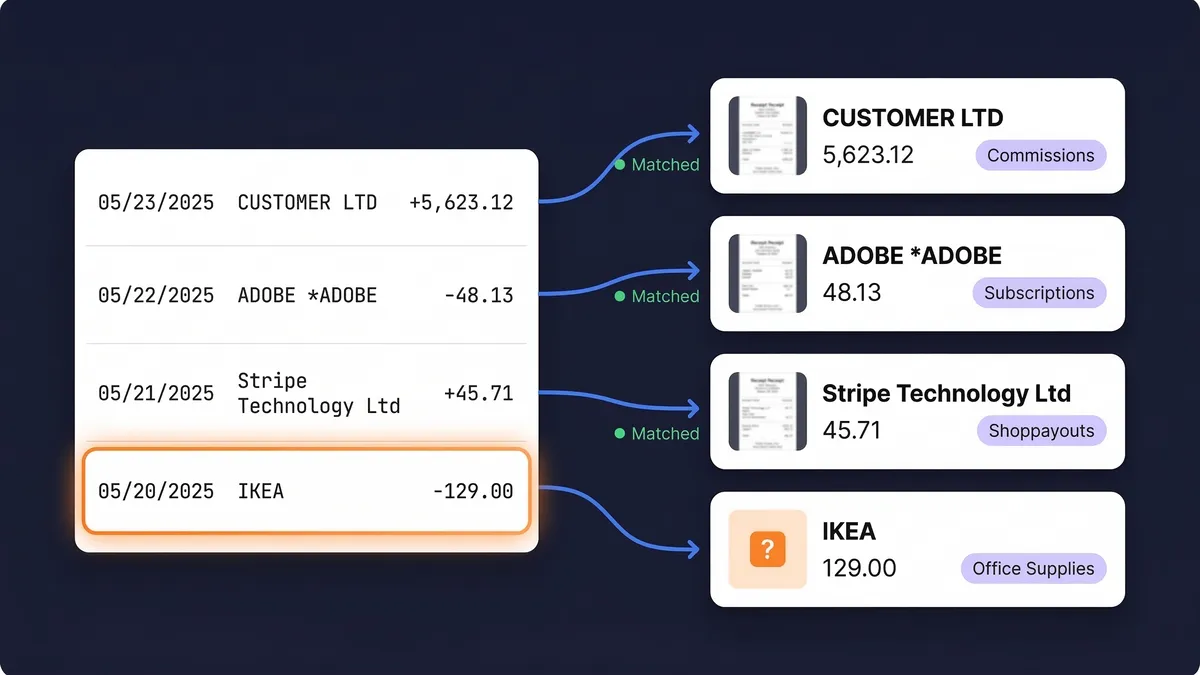
Receipt management has four jobs: capture every receipt, keep it readable, find it again, and show that each business expense has proof behind it. A folder and a spreadsheet can do the first three if someone types everything up. They cannot do the fourth, because nothing connects the spreadsheet to the bank statement.
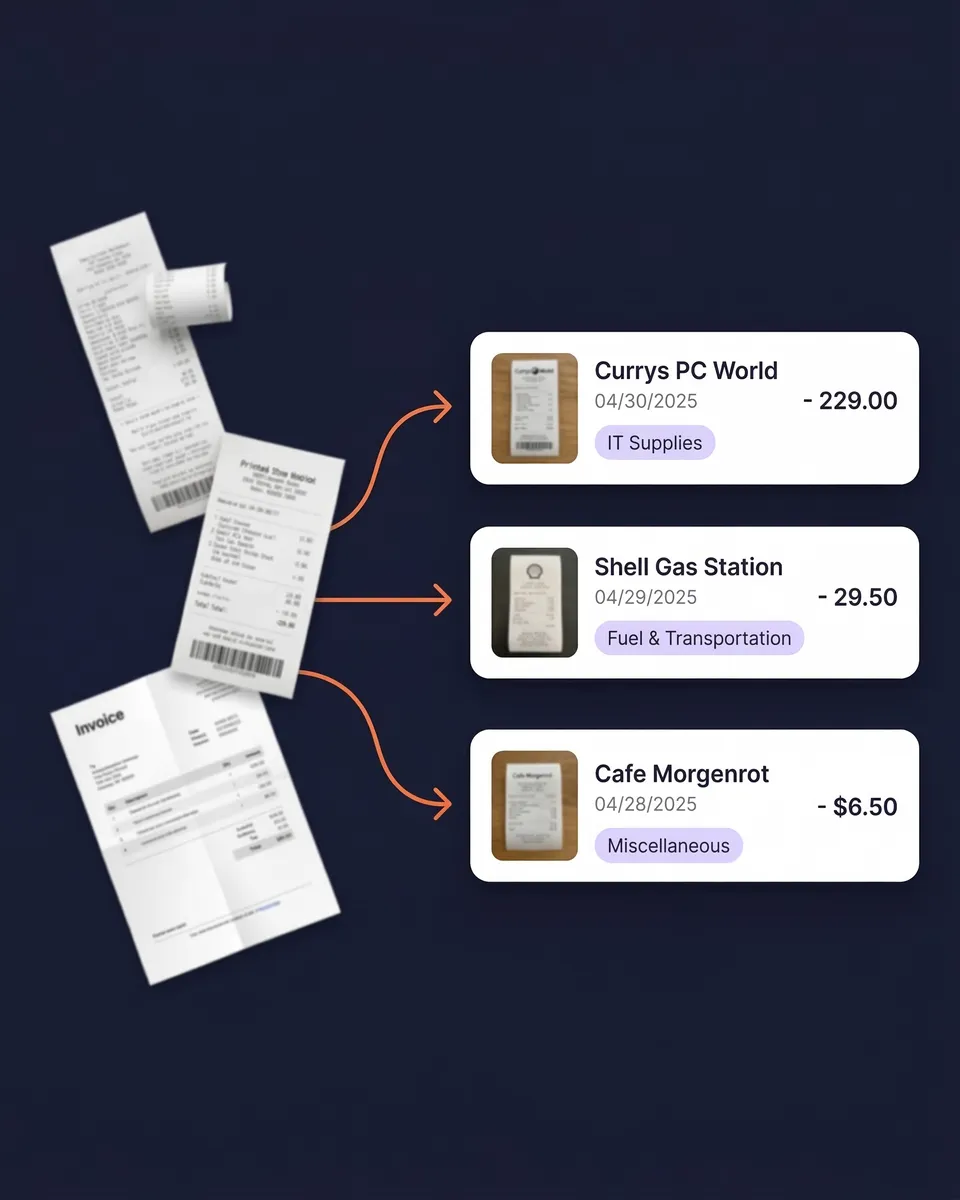
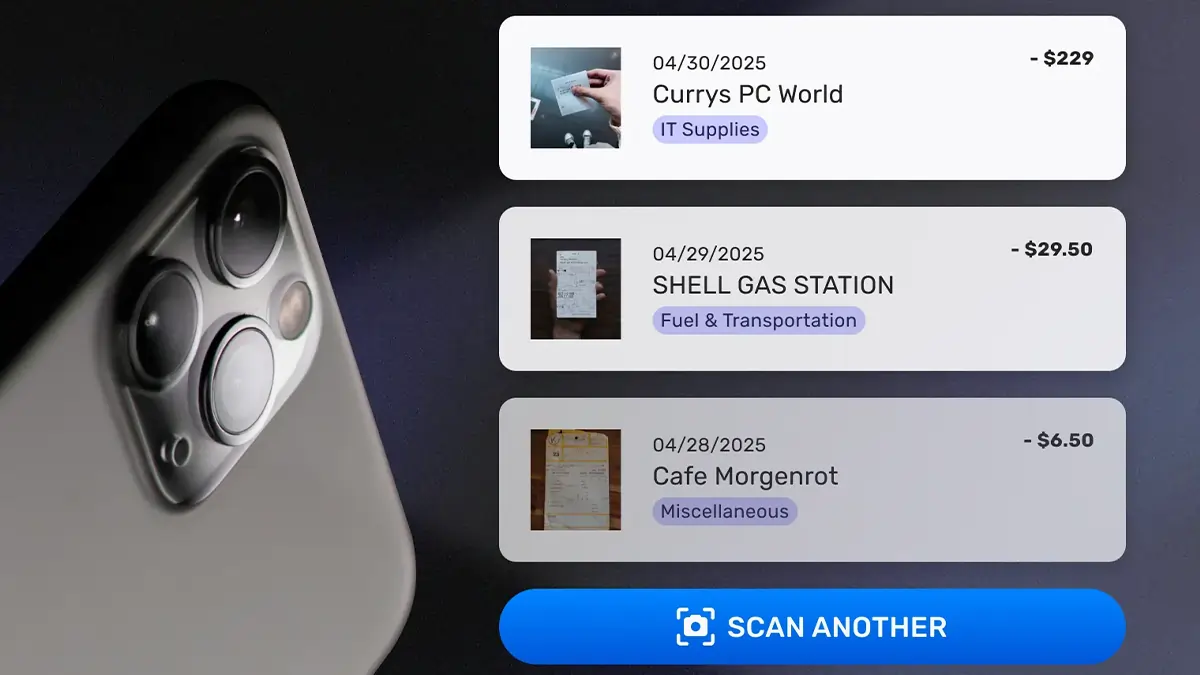
Receipt management software holds both sides. The receipts come in from your phone, your inbox and your uploads, and the bank lines come in from your statements. The software reads each document, files it, and links it to the transaction it explains. The work that is left for you is confirming matches and answering the occasional question the AI could not settle on its own.
If you want the method rather than the tool, receipt management for small business covers the system step by step.
What to look for in receipt management software
Receipt software is easy to find and hard to compare, because the word covers everything from a camera app to a full expense platform. Seven things decide whether a tool will still be doing the job at tax time:
- It captures every source, not only paper. Most receipts now arrive by email. A receipt management app that only scans paper leaves the inbox to you. Look for inbox connections and a way to import the receipts that arrived before you signed up.
- It reads the whole document. Vendor, date and total are the minimum. Tax amounts and line items matter as soon as one invoice mixes items with different tax treatment. SparkReceipt reads receipts in virtually any language and 190 currencies, converting at the rate on the purchase date.
- It proves expenses against the bank. This is where receipt tracking software earns its keep. Matching each bank line to a receipt shows you what is missing while you can still get a copy.
- It files things the same way every time. Categories, tags and automations should mean you correct a vendor once and never again.
- It makes finding a receipt quick. Search and filters by vendor, date, category, tag and currency, on your phone and on the web.
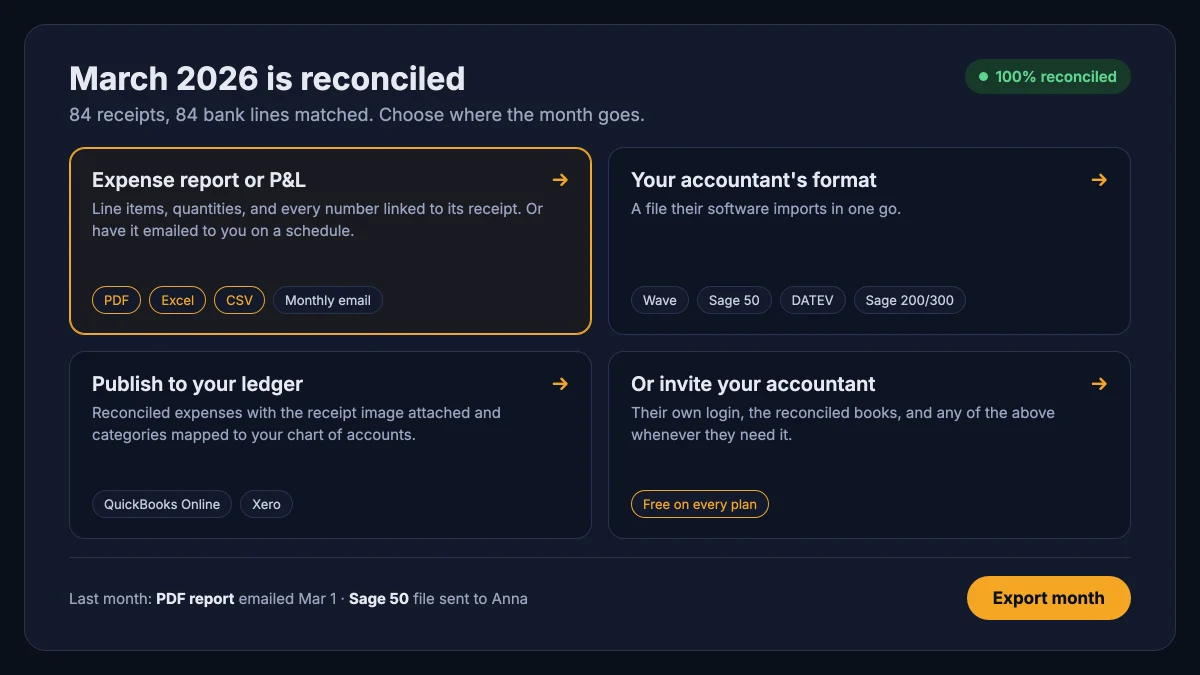
- It hands off cleanly. Reports and exports in the formats your accountant uses, a sync to QuickBooks Online or Xero with the image attached, and room for your accountant at no extra cost.
- It keeps the originals. Your tax authority wants the receipt, not only a line in a ledger. Keep the image with every record and make sure you can export the originals in bulk.
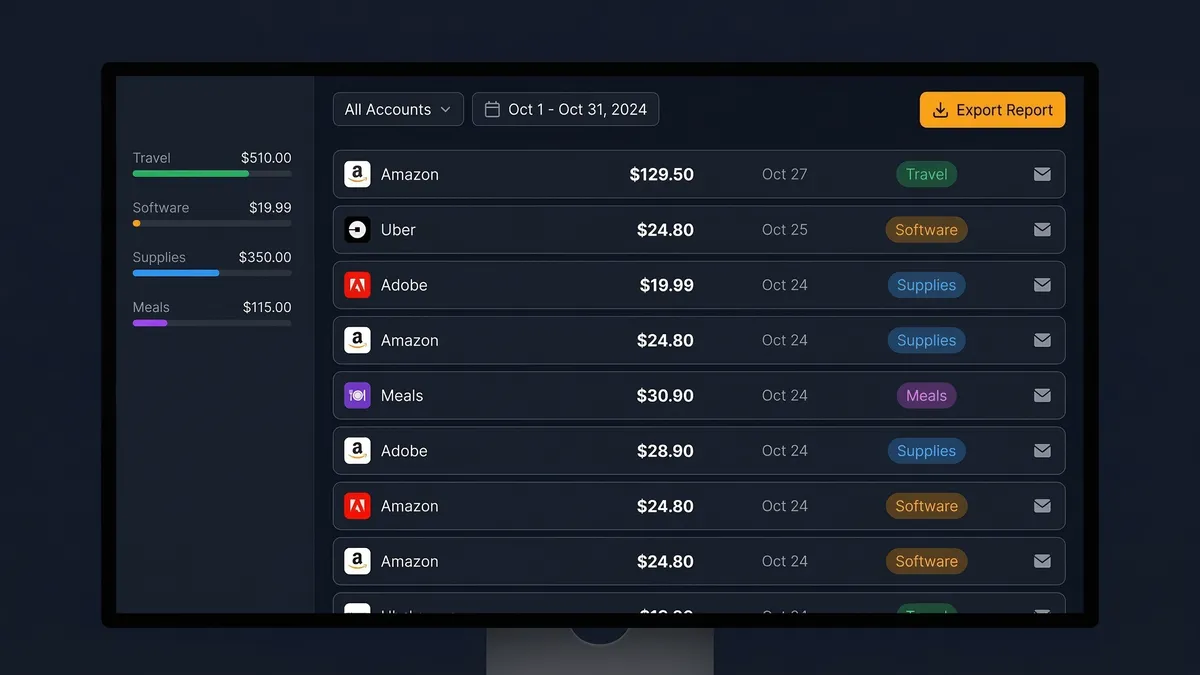
The same receipt management software fits different jobs. A freelancer with one card keeps a year of receipts organized in a few minutes a month. An owner with several companies keeps each one in its own linked account. A bookkeeper works inside each client's account instead of chasing exports. In each case the receipt capture software and the matching sit in one place, and the work is review rather than data entry.
What the IRS expects from your receipts
The IRS does not ask for a particular app. It asks for proof. Publication 583 says your supporting documents "should show the amount paid and that the amount was for a business expense", and lists the usual ones: invoices, credit card sales slips, cash register tapes, account statements and canceled checks. A receipt shows what you bought and the bank or card statement shows that you paid, which is why the two matched together are stronger than either on its own.
Digital copies count. Under Revenue Procedure 97-22, electronic records can stand in for paper when they are accurate and complete, readable and retrievable, and kept in a system with controls against loss or alteration. SparkReceipt stores the original image with every record, so the scan is the record, and you can export all the originals at once.
Keep them long enough. The IRS generally has 3 years from filing to assess more tax, 6 years if income was underreported by more than 25%, and records for property have to last until 3 years after you sell it. The IRS page How long should I keep records? has the full list, and our receipt retention guide walks through each case.
Whichever receipt management software you pick, check two things before you commit: that it keeps the original image rather than only the numbers it read, and that you can export every original in one go if you ever leave.