Receipt Scanner for QuickBooks Online
Scan receipts with AI — sync to QuickBooks automatically.
QuickBooks Online captures receipts. SparkReceipt captures the ones QuickBooks struggles with — faded till receipts, handwritten notes, multi-line supplier invoices, and documents in other languages and currencies — then syncs the extracted data straight into QuickBooks with the original image attached.
Business Owners in 175 Countries Trust SparkReceipt


AI captures every detail — supplier, amount, date, VAT, line items
Better Capture, Then Straight Into QuickBooks
QuickBooks Online's receipt capture is fine on a clean digital invoice. It gets less reliable on the documents small businesses actually accumulate — thermal receipts that have faded in a wallet, handwritten delivery notes, invoices where standard-rated and zero-rated items sit on the same page.
SparkReceipt's AI reasons about the whole document rather than matching against a merchant template. It extracts supplier, total, date, VAT, and individual line items, reading the tax actually shown rather than assuming a rate. The categorised expense then syncs to QuickBooks Online through a direct integration.
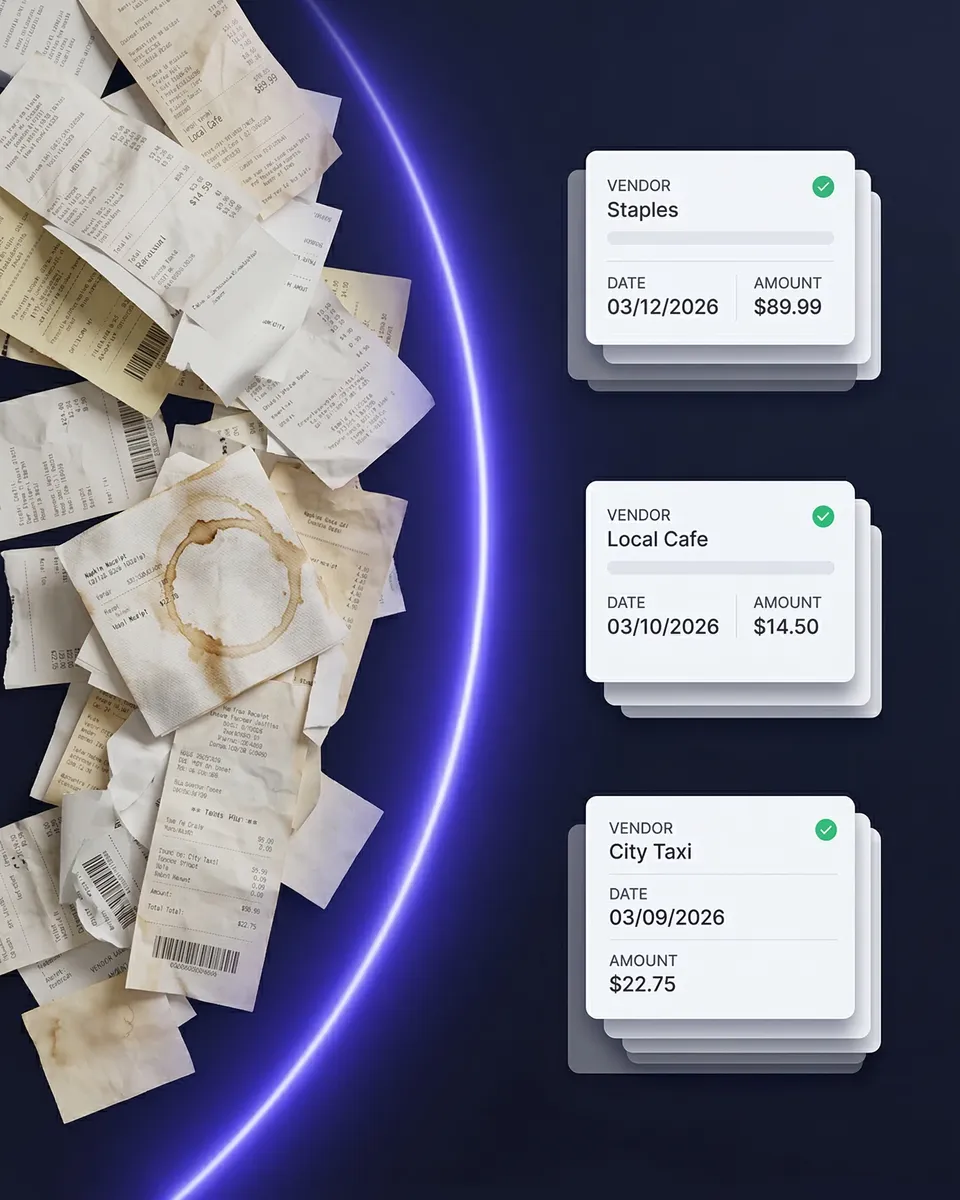
Capture from your phone, your inbox, or a bank statement
Three Ways In, One Place Out
Snap a photo on your phone the moment you're handed a receipt. Connect Gmail, Outlook, Microsoft, or any IMAP inbox and let supplier emails come in on their own. Or upload a bank statement and work backwards from the transactions.
Everything lands in the same archive, categorised and searchable, and syncs to QuickBooks Online with the receipt image attached. Your accountant stops chasing you for documents because the document is already on the transaction.
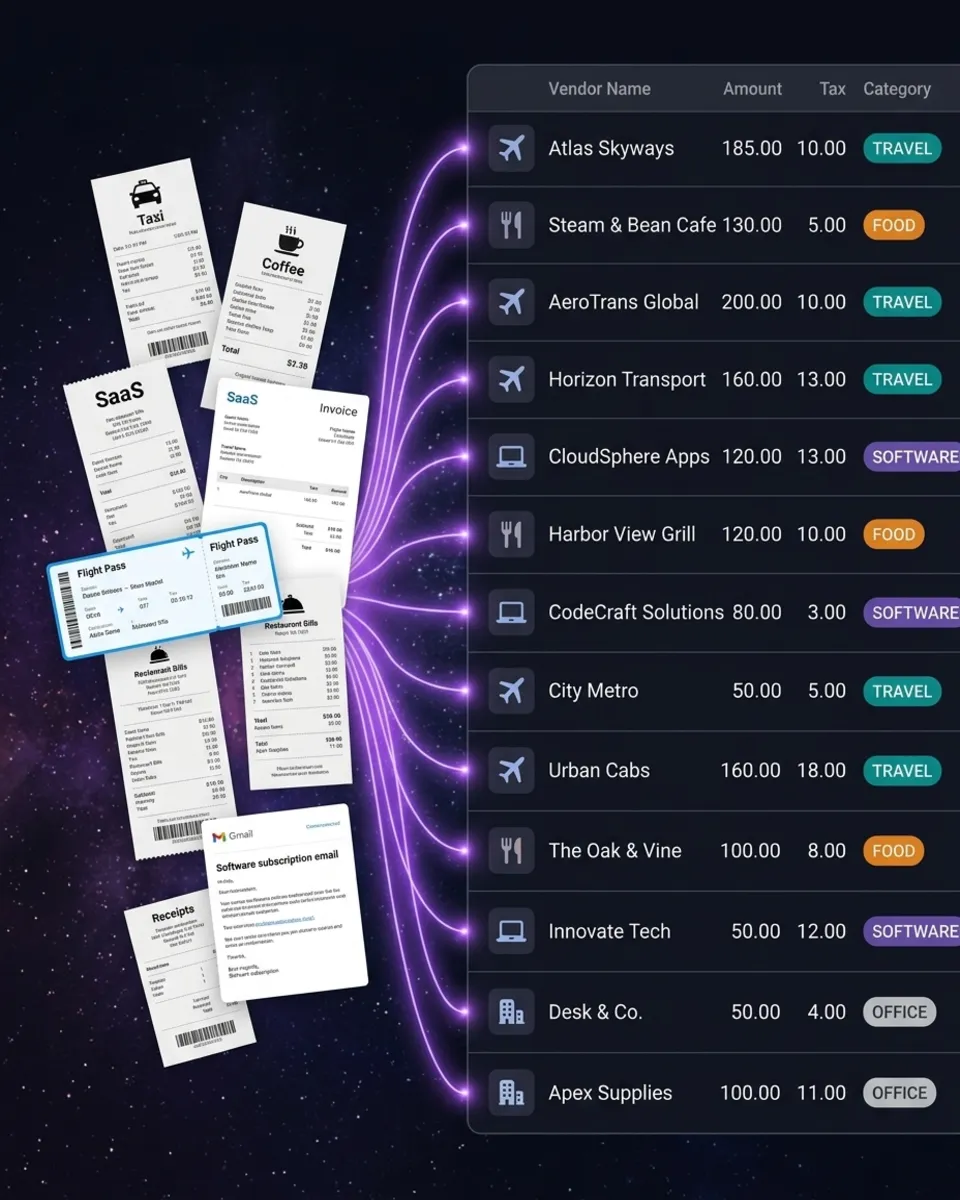
Bank statements extracted and matched to the receipts that prove them
Match Transactions to Receipts Automatically
QuickBooks community forums are full of people asking how to match bank transactions to the receipts that go with them. SparkReceipt does it automatically.
Upload a bank or credit card statement as a PDF, CSV, or Excel file. The AI extracts every transaction, then compares each one against the receipts in your archive, matching on amount, date, and supplier. Matched transactions link through to the source document. Unmatched ones are flagged, so you know exactly what's missing before you file.
Under Making Tax Digital that gap matters — a bank line alone doesn't record what the spend was for.
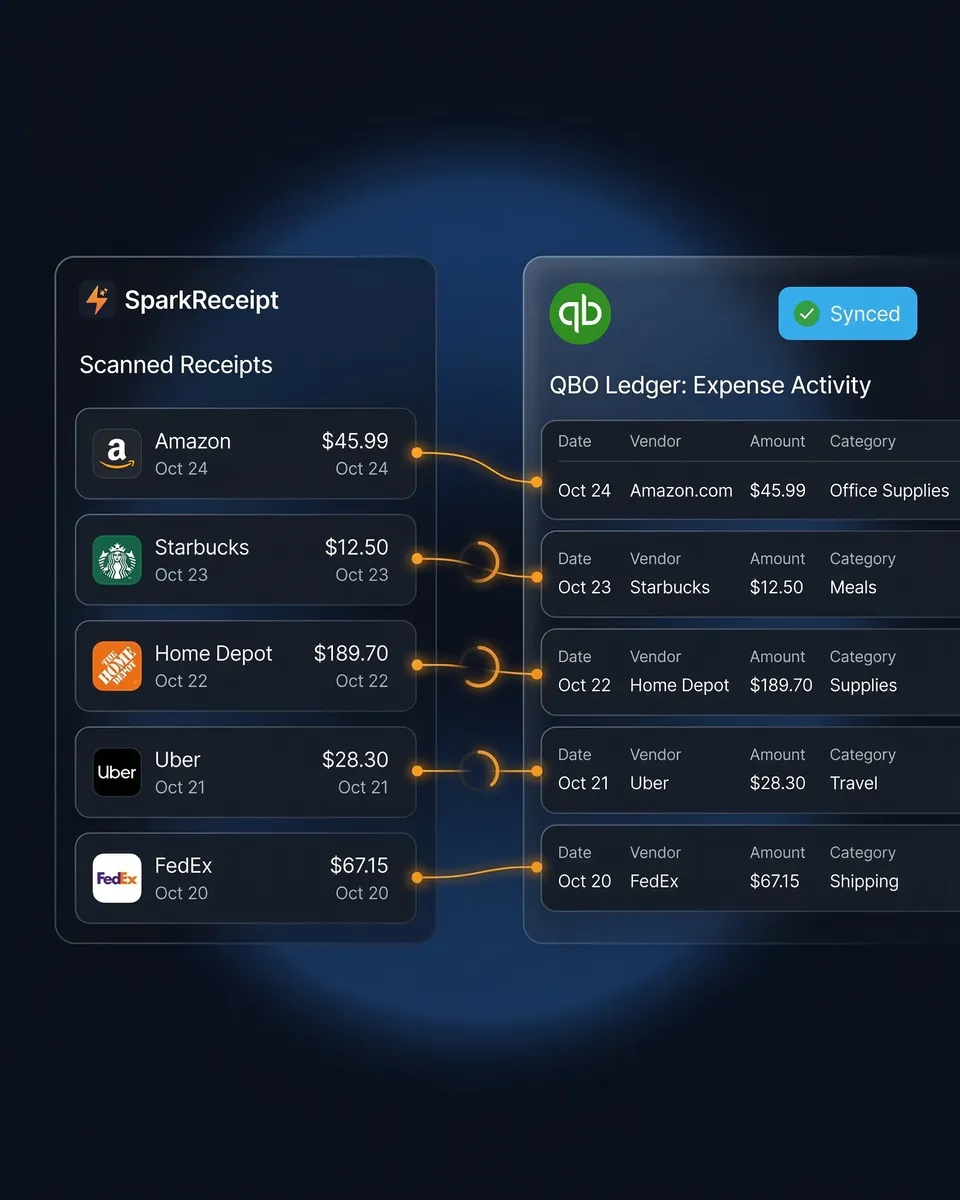
How Receipt Scanning to QuickBooks Works
Capture Any Receipt or Invoice
Snap a photo on iPhone or Android, upload a PDF or image, or forward supplier emails automatically. SparkReceipt reads printed, handwritten, crumpled, and faded documents, in any language and 190 currencies.
AI Extracts and Categorises Automatically
The AI extracts supplier, total, date, VAT, currency, and line items, then categorises the expense against your QuickBooks chart of accounts. It learns your regular suppliers so repeat purchases land in the right account without correction.
Push to QuickBooks Online Automatically
Categorised expenses sync to QuickBooks Online through a direct integration, with the receipt image attached to each transaction. Foreign-currency purchases sync at the exchange rate that applied on the purchase date.
Loved by Small Business Owners
“SparkReceipt is one of the very few software purchased that exceeded my expectations. Great product, great features, great value.”

Robert Connolly
The Internet Design Co. · Scotland
“SparkReceipt takes care of the busy work, allowing me to quickly save receipts and create expense reports.”

Tim Heller
HellerWeather · United States
“Thanks to SparkReceipt I have a quick look to my business accounts status in a glance. It is really impressive.”

Rafael Roa
System Arquitectura · Spain
Join 38,283 businesses that chose SparkReceipt — 4,620,044 receipts processed and counting.
Start Free TrialFrequently Asked Questions
QuickBooks' own capture works for clean digital invoices. SparkReceipt is built for the rest — faded thermal receipts, handwritten documents, multi-line supplier invoices, mixed VAT rates, and receipts in other languages and currencies. Extracted data syncs directly to QuickBooks Online with the receipt image attached.
Yes. Capture a receipt in SparkReceipt by photo, upload, or email forward, and the extracted, categorised data syncs to QuickBooks Online through a direct integration. No CSV exports or manual entry.
Yes, and it's included in the Elite plan rather than sold as an add-on. Line-item extraction matters on supplier invoices where different lines carry different VAT treatment — you get the breakdown instead of one lump total.
Yes. Upload a bank or credit card statement as PDF, CSV, or Excel and the AI extracts every transaction, then matches each against the receipts in your archive by amount, date, and supplier. Unmatched transactions are flagged so you can see which spends have no proof attached.
It helps with the record-keeping requirement. MTD for Income Tax requires digital records of business income and expenses, and SparkReceipt keeps each record linked to the underlying receipt or invoice. SparkReceipt is not HMRC-recognised filing software and does not submit quarterly updates — QuickBooks or your filing software does that. SparkReceipt makes sure the records behind it are complete.
Yes, if you need full accounting. SparkReceipt is a pre-accounting tool — it captures, extracts, categorises, and reconciles receipts and statements, then feeds clean data into QuickBooks. It doesn't raise invoices, run payroll, or produce statutory accounts.
Yes. It reads receipts in virtually any language and processes 190 currencies, converting at the exchange rate that applied on the purchase date rather than today's rate.
Yes. The Elite plan includes 1 user, with more available at a per-user rate, and inviting your accountant is always free. It never uses a paid seat. They see scanned receipts, categories, and reports directly in SparkReceipt as well as whatever has synced to QuickBooks.
Simple, Transparent Pricing
1 user included, more at a per-user rate.