Dext
SparkReceipt gives you fast, accurate AI-powered bookkeeping built for solopreneurs, freelancers, and small businesses. Once simple, Receipt Bank (now Dext)…
Compare now →
We tested the top receipt scanners and expense trackers for freelancers and small businesses
Finding the best expense tracker app shouldn't require a finance degree. We evaluated 9 popular tools on pricing transparency, AI scanning speed, free tier generosity, multi-currency support, and real-world usability for freelancers and small business owners. Whether you need a simple receipt scanner app or a full business expense tracker, this comparison cuts through the marketing and shows you what each tool actually delivers — and what it costs.





Our top recommendations based on 6 evaluation criteria
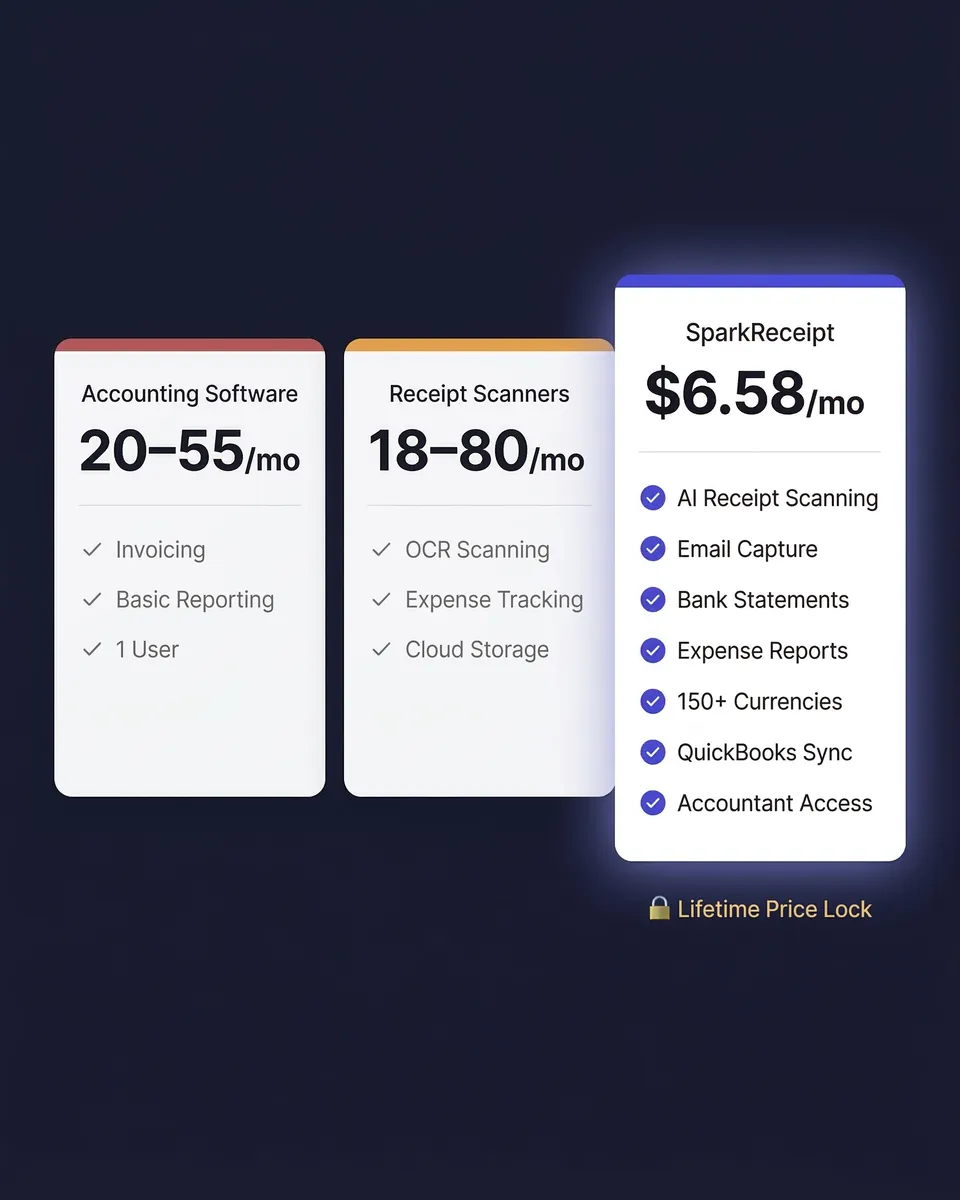
Best Overall for Freelancers & Small Business: SparkReceipt — $6.58/mo, AI receipt scanning in seconds, lifetime price lock, free accountant access, 150+ currencies. Free tier with no credit card required.
Best for Teams With Approval Workflows: Expensify — $5/user/mo (requires Expensify Card), built for corporate expense policies and manager approvals.
Best Budget Option for Small Teams: Zoho Expense — $3/user/mo, solid if you’re already in the Zoho ecosystem.
Best Free Accounting Add-On: Wave — $16/mo for receipt scanning, but core accounting is free.
Best for Gig Workers & Rideshare Drivers: Keeper Tax — $16/mo or $99/yr, strong automatic deduction finding and mileage tracking.
Best for Mail-In Receipt Scanning: Shoeboxed — $23/mo, unique physical mail-in service for paper receipts.
Best for Invoicing-First Businesses: FreshBooks — $23/mo, expense tracking bundled with invoicing and time tracking.
Best for Accountants Managing Clients: Dext — $25.21/mo, deep accounting integrations but can be slow and complex.
Best for Full-Suite Accounting: QuickBooks — $38/mo, receipt scanning is one small part of a massive accounting platform.
Side-by-side breakdown of what each app actually includes in 2026
| Feature | SparkReceipt | Expensify | Zoho Expense | Wave | Keeper Tax | Shoeboxed | FreshBooks | Dext | QuickBooks |
|---|---|---|---|---|---|---|---|---|---|
| Price | $6.58/mo | $5/user/mo* | $3/user/mo | $16/mo | $16/mo | $23/mo | $23/mo | $25.21/mo | $38/mo |
| Free Tier | Yes (15 docs/mo) | Yes (25 scans/mo) | Yes (3 users) | Yes (limited) | 14-day trial | 30-day trial | 30-day trial | 14-day trial | 30-day trial |
| AI Receipt Scanning | Yes (seconds) | Yes (SmartScan) | Yes | Limited | Yes | Yes | Yes | Yes | Yes |
| Expense Tracking | Yes | Yes | Yes | Yes | Yes | Yes | Yes | Yes | Yes |
| Mileage Tracking | Coming Soon | Yes | Yes | No | Yes | Yes | Yes | Yes | Yes |
| Lifetime Price Lock | Yes | No | No | No | No | No | No | No | No |
| Free Accountant Access | Yes (unlimited) | No (billed as user) | No | Yes | No | No | Yes (1 user) | No | Yes (1 user) |
| Multi-Currency | 150+ (mixed) | Limited (single-currency workspaces) | Yes | Limited | Limited | Limited | Yes | Yes | Yes |
| Email Receipt Capture | Yes (auto-fetch) | Manual forwarding | No | No | Yes (bank feeds) | Yes (forwarding) | No | Yes (forwarding) | No |
| Bank Statement Extraction | Yes | No | No | No | Yes (bank feeds) | No | No | No | Yes (bank feeds) |
| Best For | Freelancers & SMBs | Corporate teams | Zoho users | Free accounting | Gig workers | Mail-in scanning | Invoicing | Accountants | Full accounting |
*Expensify's $5/user/month price requires using the Expensify Card. Without the card, pricing is $10-$18/user/month. All pricing verified March 2026.
$6.58/month (annual) | Free tier: 15 docs/month | No credit card required
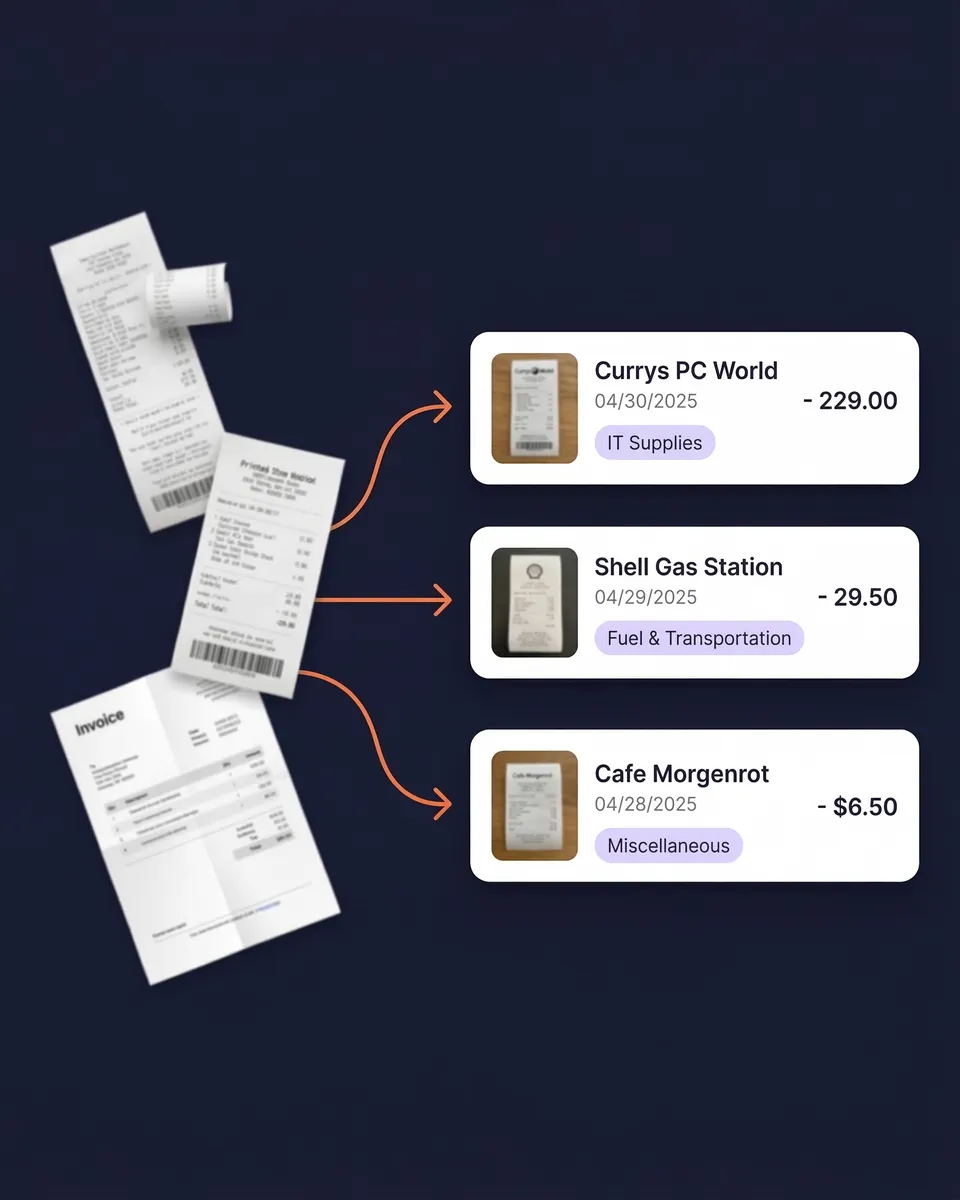
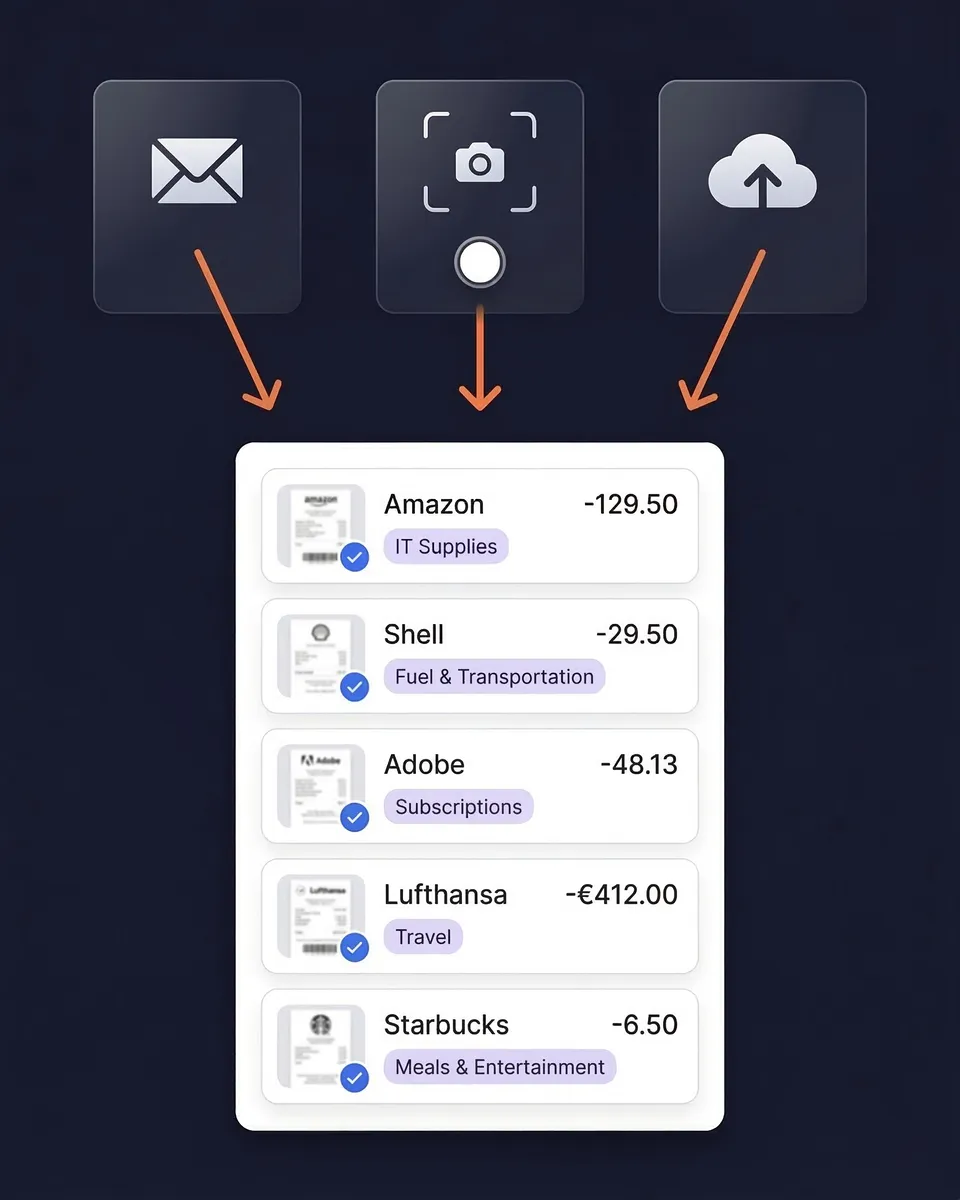
SparkReceipt is an AI-powered expense tracker and receipt scanner built specifically for freelancers and small businesses. It processes receipts in seconds — not minutes or hours — extracting the vendor, amount, date, tax, and currency automatically.
Why it wins: SparkReceipt is the only expense tracker that offers a lifetime price lock. While Expensify, QuickBooks, and Shoeboxed have all raised prices in recent years (some by 50-400%), SparkReceipt guarantees your price never increases. Combined with free accountant access (competitors charge per user), 150+ currencies with mixed workspaces, and AI automations you can set up in plain English (“Tag Uber as Transport”), it’s the most complete and affordable option for self-employed professionals.
Key features:
Limitations: Mileage tracking is coming soon (not yet available). No enterprise approval workflows — by design, SparkReceipt focuses on simplicity over corporate bureaucracy.
Pricing: Free (15 docs/mo) | Pro $6.58/mo annual ($9/mo monthly) | Elite $12/mo. See full pricing. 30-day money-back guarantee.
$5/user/month (with Expensify Card) | Free tier: 25 SmartScans/month
Expensify is a corporate expense management platform designed for teams that need manager approvals, spending policies, and corporate card programs. Its SmartScan technology handles receipt scanning, and the approval workflow engine is genuinely best-in-class for mid-size companies.
Key strengths: Multi-level approval chains, corporate policy enforcement, smart receipt scanning, corporate card program with cashback, mileage tracking with GPS.
Drawbacks: The advertised $5/user/month price only applies if your team uses the Expensify Card. Without the card, Collect costs $10/user/month and Control costs $18/user/month. Users report price increases of 80-400% with limited notice. Workspaces are locked to a single currency. Accountants are billed as active users. No bank statement extraction.
Best for: Mid-size teams (10-50 people) that need expense approvals, corporate cards, and policy enforcement. Overkill for freelancers and solopreneurs.
$3/user/month | Free tier: up to 3 users
Zoho Expense is the most affordable per-user expense tracker on the market, and it integrates seamlessly with the broader Zoho ecosystem (CRM, Books, Projects, Invoice). If your business already runs on Zoho, adding Expense is a no-brainer.
Key strengths: Lowest per-user pricing, good integration within Zoho suite, receipt scanning via mobile app, mileage tracking, only charges for users who actually submit expenses (admins and approvers are free).
Drawbacks: Limited value outside the Zoho ecosystem. AI scanning isn’t as fast or accurate as dedicated receipt scanners. Interface can feel dated compared to newer tools. Free tier limited to 3 users with basic features.
Best for: Small teams already using Zoho CRM or Zoho Books who want expense tracking integrated into their existing workflow.
$16/month (Pro) | Free accounting included
Wave offers free accounting software — invoicing, estimates, and basic expense tracking at no cost. The catch: receipt scanning and automatic bank imports require the Pro plan at $16/month. It’s a solid choice if you need basic double-entry bookkeeping and don’t mind limited receipt features.
Key strengths: Core accounting is genuinely free (not a trial). Invoicing included. Simple interface. Good for very small businesses that need basic bookkeeping with optional receipt add-on.
Drawbacks: Receipt scanning is basic and requires the paid Pro plan. No mileage tracking. Limited multi-currency support. No email receipt auto-capture. Acquired by H&R Block — potential future pricing changes. Free tier doesn’t include automatic bank feeds, which limits its usefulness for expense tracking.
Best for: Micro-businesses and side hustlers who need free accounting software and are willing to pay extra for receipt scanning when they grow.
$16/month or $99/year | 14-day free trial
Keeper Tax combines expense tracking with automatic tax deduction finding and tax filing. It scans your bank transactions to surface deductions you might miss, and includes GPS mileage tracking — making it particularly strong for Uber, Lyft, and DoorDash drivers who need both mileage and expense deductions.
Key strengths: Automatic deduction detection from bank feeds, GPS mileage tracking, tax filing included in the annual plan ($99/year), designed specifically for self-employed workers and gig economy workers.
Drawbacks: No permanent free tier (14-day trial only). Receipt scanning isn’t as advanced as dedicated scanners. Focused exclusively on US tax filers. Monthly plan at $16/mo is expensive for just expense tracking. Premium plan jumped to $399/year for quarterly taxes and prior-year filing.
Best for: Full-time gig workers (rideshare, delivery) who need mileage tracking, automatic deduction finding, and tax filing in one app.
$23/month | 30-day trial
Shoeboxed has a unique angle: you can literally mail your paper receipts in prepaid envelopes, and their team scans and digitizes them for you. If you have mountains of paper receipts from years past and want someone else to handle the scanning, Shoeboxed is the only service that offers this.
Key strengths: Physical mail-in scanning service (unique in the market), prepaid envelopes included, unlimited users on all plans, good for businesses transitioning from fully paper-based systems.
Drawbacks: Expensive at $23/month starting (up to $89/month). Mail-in scanning takes days, not seconds. Limited to 15 tax categories. No bank statement extraction. No email receipt auto-capture. AI scanning speed doesn’t match dedicated receipt scanners for digital/photo uploads.
Best for: Businesses with boxes of unscanned paper receipts who want a hands-off digitization service.
$23/month | 30-day trial
FreshBooks is primarily an invoicing and time-tracking tool that bundles expense tracking as part of its broader accounting platform. If your main need is sending invoices to clients and you want expense tracking added on, FreshBooks delivers a polished experience.
Key strengths: Excellent invoicing and estimates, time tracking, client portal, receipt scanning via mobile app, mileage tracking, strong for service-based businesses that bill by project or hour.
Drawbacks: Expensive for expense tracking alone at $23/month. Lite plan limited to 5 clients. Additional team members cost $11/month each. Per-client pricing structure adds up fast. Expense features are secondary to invoicing — not the core focus. Currently offering 90% off for first 4 months (suggests high churn at full price).
Best for: Service businesses (consultants, designers, agencies) that need invoicing and time tracking with expense management bundled in.
$25.21/month (annual) | 14-day trial
Dext (formerly Receipt Bank) is built for accounting firms that manage expenses on behalf of multiple business clients. It has deep integrations with Xero, QuickBooks, and Sage, and its client management dashboard lets accountants oversee dozens of businesses from one interface.
Key strengths: Deep accounting software integrations (Xero, QuickBooks, Sage), multi-client management dashboard, document submission via email/WhatsApp/Dropbox, mileage tracking via mobile app.
Drawbacks: Starting at $25.21/month (annual), it’s one of the most expensive options. Business plan forces a 5-user bundle at $31.50/month. Receipt processing can take up to 20 minutes per document. Interface has become more complex since the Receipt Bank rebrand. Practice plans for accountants start at $239.19/month. Overkill for freelancers who just need to scan their own receipts.
Best for: Accounting firms managing multiple business clients who need deep integrations with Xero, QuickBooks, or Sage.
$38/month (Simple Start) | 30-day trial
QuickBooks Online is the industry-standard accounting platform for small businesses. Receipt scanning is included, but it’s one small feature within a much larger system that handles invoicing, payroll, inventory, tax prep, and financial reporting. If you need full double-entry bookkeeping, QuickBooks is hard to beat — but it’s overkill if all you need is expense tracking.
Key strengths: Industry-standard accounting with massive integration ecosystem, receipt scanning via mobile app, mileage tracking with GPS, automatic bank feed imports, accountant-familiar interface, payroll and inventory management.
Drawbacks: Most expensive option at $38/month for Simple Start (Plus is $115/month). Frequent price increases — prices have risen 52-83% since 2020. Receipt scanning is a secondary feature, not a focus. Complex setup and steep learning curve. Way more than you need for simple receipt scanning and expense tracking.
Best for: Established small businesses that need full double-entry accounting, payroll, and inventory — with receipt scanning as a nice bonus. Many freelancers use SparkReceipt for receipt capture and sync directly to QuickBooks.
6 features that actually matter for freelancers and small businesses
1. AI Scanning Speed — The difference between seconds and minutes matters when you have a stack of receipts. Look for real-time AI processing, not batch systems that queue your documents. SparkReceipt processes receipts in under 5 seconds. Dext can take up to 20 minutes. Shoeboxed’s mail-in service takes days.
2. True Cost of Ownership — Advertised pricing often hides per-user fees, required card usage, or feature-gating. Calculate your 12-month total cost including every user who needs access. A tool that’s $5/user/month for 5 users costs $300/year — more than SparkReceipt’s $79/year Pro plan.
3. Free Tier Generosity — A real free tier lets you test the tool properly before committing. Trials that require a credit card and auto-bill after 14 days are not free tiers. Look for permanent free plans that give you enough functionality to evaluate the product.
4. Multi-Currency Support — If you work with international clients or travel for business, you need support for multiple currencies within a single workspace. Some tools (including Expensify) lock workspaces to a single currency, forcing workarounds for international expenses.
5. Accountant Access Pricing — Some tools bill your accountant as a full user, which can double your monthly cost. Others provide free read-only or full access for accountants. SparkReceipt offers unlimited free accountant access — your accountant is never billed.
6. Data Portability — Export formats (Excel, CSV, PDF, ZIP) and integration options (QuickBooks, Xero, Zapier) determine whether you’re locked into a platform or free to move your data. Avoid tools that don’t let you export your receipts and reports in standard formats.
Our testing methodology and scoring criteria
We tested all 9 expense tracker apps using real receipts across multiple currencies and document types. Here’s how we weighted our evaluation:
All pricing was verified from official websites as of March 2026. Disclosure: SparkReceipt is our product. We disclose this upfront and have linked to detailed competitor pages so you can evaluate each tool independently.
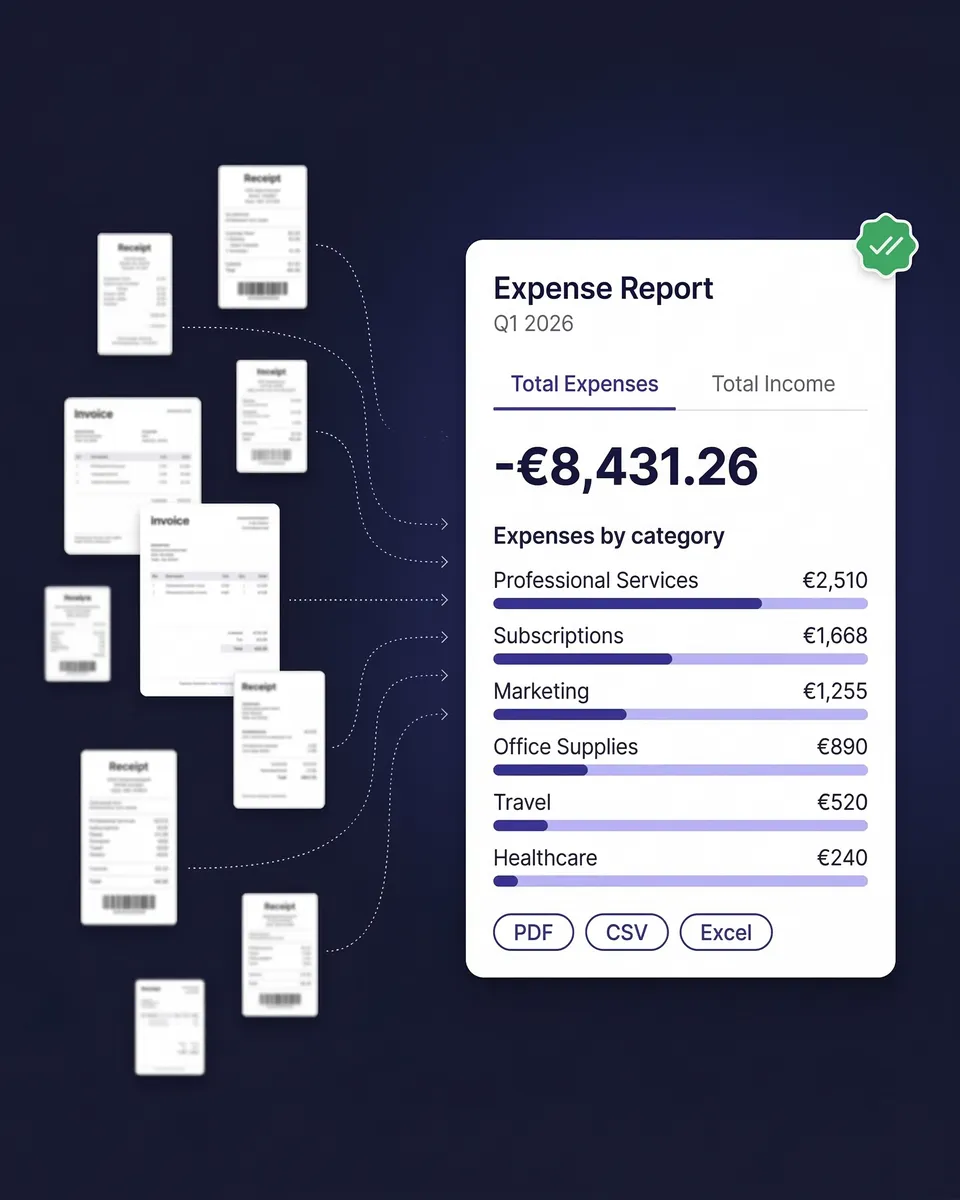
SparkReceipt is the best expense tracker app for freelancers in 2026. It offers AI-powered receipt scanning in seconds, automatic expense categorization, and one-click expense reports — starting at $6.58/month with a lifetime price lock. Unlike corporate-focused tools like Expensify or QuickBooks, SparkReceipt is purpose-built for freelancers and small businesses, with a free tier that requires no credit card.
SparkReceipt offers the most generous free expense tracker with 15 documents per month, full AI scanning, and no credit card required. Zoho Expense is free for up to 3 users with basic features. Expensify offers 25 free SmartScans per month but charges $0.20 for additional scans. Wave provides free accounting software but charges $16/month for receipt scanning features.
Expensify can be expensive for small businesses. The advertised $5/user/month price only applies if your team uses the Expensify Card — without it, you’ll pay $10-$18/user/month. It’s best suited for teams that need corporate approval workflows and expense policies. Freelancers and solopreneurs often find it overbuilt and overpriced compared to alternatives like SparkReceipt ($6.58/mo with no card requirement).
Zoho Expense is the cheapest paid option at $3/user/month with receipt scanning included. SparkReceipt is $6.58/month (not per-user for solopreneurs) and includes faster AI scanning, 150+ currencies, and a lifetime price lock. For free options, SparkReceipt (15 docs/month) and Expensify (25 scans/month) both offer functional free tiers with receipt scanning.
QuickBooks includes basic receipt scanning, but it’s one small feature within a large accounting platform that costs $38+/month. If you primarily need receipt scanning and expense tracking, a dedicated tool gives you faster AI processing, better mobile scanning, and lower cost. Many freelancers use SparkReceipt for receipt capture and sync directly to QuickBooks for accounting.
SparkReceipt has the fastest AI receipt scanner, processing receipts in under 5 seconds with support for multiple languages and 150+ currencies. Dext can take up to 20 minutes per receipt. Shoeboxed offers mail-in scanning but takes days. Expensify’s SmartScan is reasonably fast but charges $0.20 per scan beyond the free 25/month limit.
Yes. A good expense tracker categorizes your spending into tax-relevant categories (meals, travel, office supplies, vehicle expenses) and generates audit-ready reports your accountant can use at tax time. SparkReceipt applies local tax rules automatically for 150+ countries. Most freelancers miss $2,000-$5,000 in deductions annually simply because they lose receipts or don’t categorize expenses properly.
Keeper Tax is the best current option if mileage tracking is your primary need — it includes GPS-based automatic tracking designed for rideshare and delivery drivers. Expensify, Zoho Expense, FreshBooks, and QuickBooks also include mileage features. SparkReceipt is adding mileage tracking soon — for now, if you need both receipt scanning and mileage in one app, Keeper Tax or Expensify are the strongest standalone options.
Expense tracker apps range from free to $38+/month. SparkReceipt starts at $6.58/mo with a lifetime price lock. Zoho Expense is $3/user/mo. Expensify is $5-$18/user/mo depending on card usage. Keeper Tax is $16/mo. Shoeboxed and FreshBooks are $23/mo. Dext is $25.21/mo (annual). QuickBooks is $38/mo. Permanent free tiers are available from SparkReceipt, Expensify, Zoho Expense, and Wave.
Dedicated expense trackers like SparkReceipt offer faster scanning, better mobile apps, and lower prices because they focus on one thing. All-in-one tools like QuickBooks and FreshBooks bundle expense tracking with invoicing and full accounting but cost significantly more and can be overwhelming for simple needs. Most freelancers get better results using a dedicated expense tracker that syncs with their accounting software when needed.
Join thousands who switched from expensive, complex tools
I needed a solution to organize and process my personal and business receipts. I'm thrilled I found SparkReceipt. It saves me a lot of time!

Thanks to you, I’m actually looking forward to my year end FOR THE FIRST TIME EVER, when I can surprise my accountant with my completed accounts with a week or so off the end of the year!

Excellent start and amazing team. Looking forward to making SparkReceipt my default expense management and accounting platform.
SparkReceipt gives you fast, accurate AI-powered bookkeeping built for solopreneurs, freelancers, and small businesses. Once simple, Receipt Bank (now Dext)…
Compare now →SparkReceipt gives you AI-powered automation, global support, and effortless collaboration with your accountant. Easy Expense has helped many users get…
Compare now →Looking for a Better Alternative to Shoeboxed? Shoeboxed made receipt management simple years ago – but today, it's slow, manual,…
Compare now →While Wellybox offers useful features, many users have shared feedback online about their experiences with the platform. Based on reviews…
Compare now →BILL charges $49/user/month for AP automation — plus transaction fees on every payment. For freelancers and small businesses who just…
Compare now →Brex requires a US-incorporated entity with $50K+ in cash reserves and their corporate card just to access expense management. Sole…
Compare now →Expensify's advertised pricing requires using the Expensify Card. Without it, Collect jumps to $10/user/month and Control to $18/user/month. Add in…
Compare now →QuickBooks Online starts at $38/month for Simple Start — and that price has increased 64% since 2020. You're paying for…
Compare now →Ramp is a corporate card company that happens to do expense management. If you're a freelancer, sole proprietor, or non-US…
Compare now →Zoho Expense looks affordable at $4/user/month — until you realize you need a 3-user minimum, Zoho Books ($15/month) for bank…
Compare now →