
Receipt Scanner & Expense Tracker for Medical Practices
Track equipment purchases, supply costs, and practice expenses automatically — organized for your accountant.
Running a medical, dental, or therapy practice means managing hundreds of receipts — medical supplies, equipment purchases, continuing education, insurance premiums, office rent. SparkReceipt's AI scans every receipt in seconds and categorizes expenses into tax-ready categories. No patient data is ever stored — just your business expenses.

Business Owners in 175 Countries Trust SparkReceipt


From medical supply orders to equipment purchases — capture every cost
Scan Supplier Invoices and Equipment Receipts Instantly
Pharmaceutical supplier invoices. Medical device receipts. Lab equipment purchases eligible for Section 179 deductions. Healthcare practices generate a constant stream of high-value expenses — and every one needs documentation. SparkReceipt's AI scans any invoice or receipt in seconds, extracting vendor, amount, date, and category automatically. Snap a photo or forward an email and it's instantly digitized and stored.
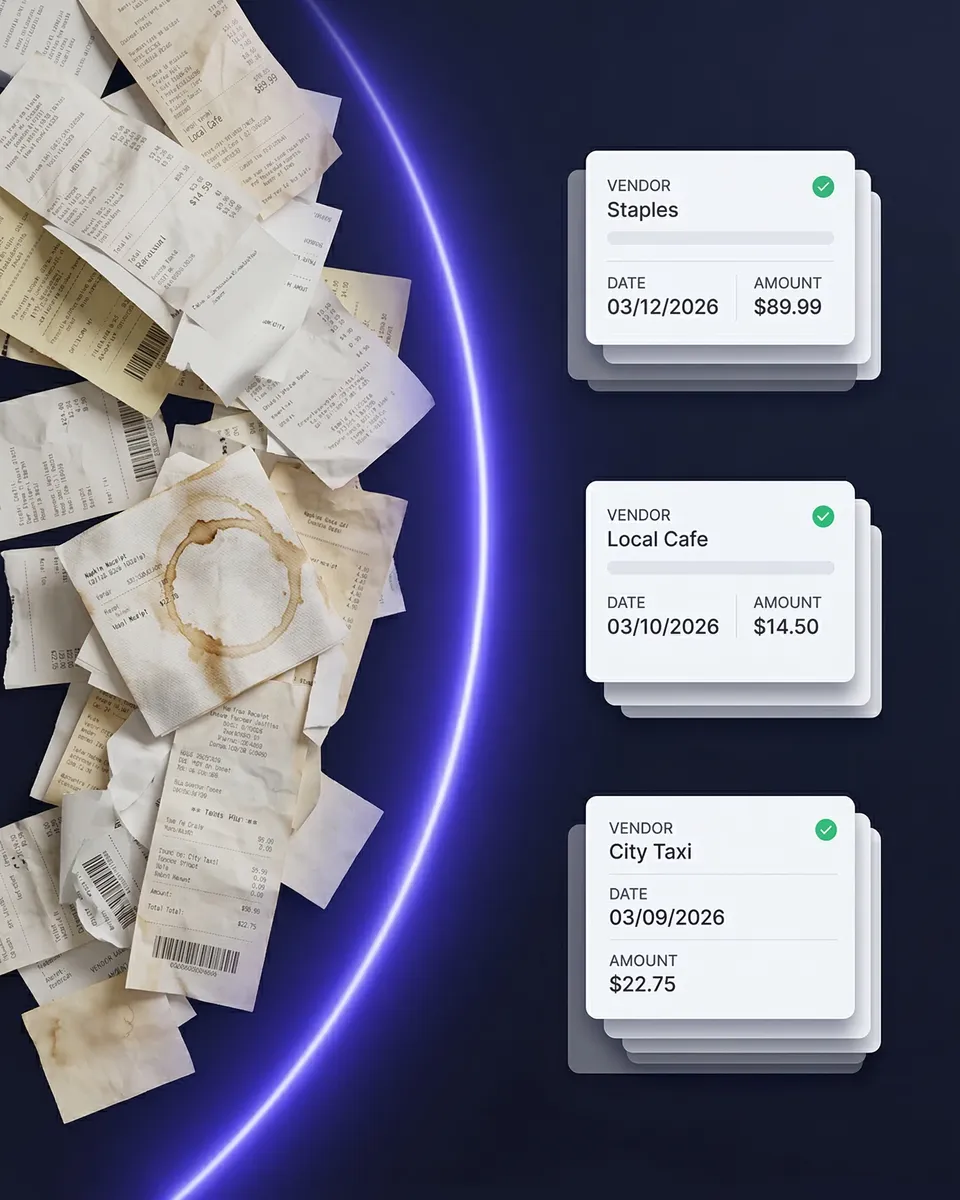
Medical supplies, equipment, CE courses, insurance — all organized automatically
Track Practice Expenses by Category
Medical practices have unique expense categories that generic trackers don't understand — medical supplies, diagnostic equipment, continuing education, malpractice insurance, office rent, staff uniforms. SparkReceipt automatically categorizes every expense so you can see exactly where your money goes. Tag expenses by department, provider, or location for even more granular tracking.
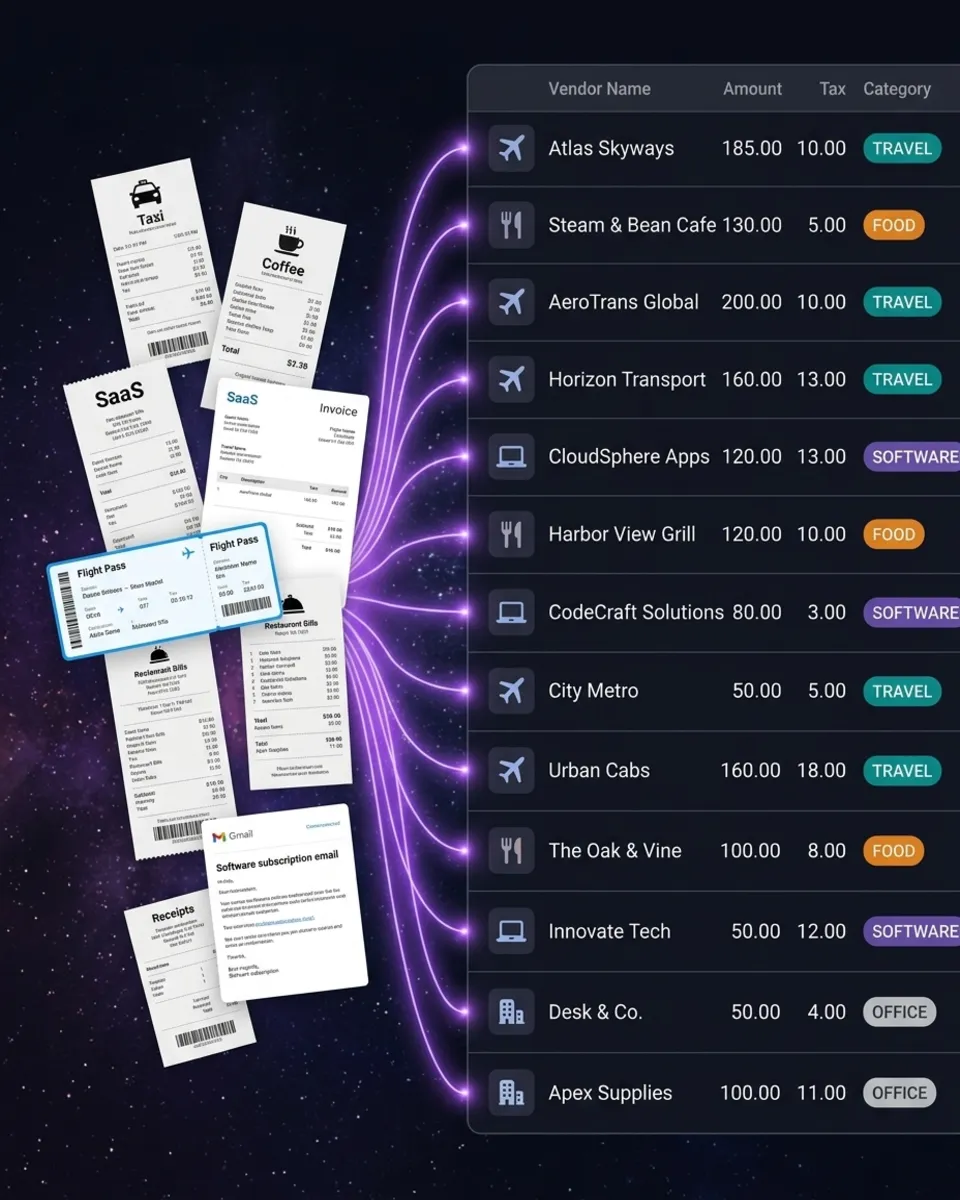
How It Works for Medical Practices
Capture Every Practice Receipt and Invoice
Snap a photo of any receipt or invoice — medical supplies, equipment, CE courses, insurance premiums. SparkReceipt's AI extracts vendor, amount, date, and category in seconds.
AI Categorizes by Expense Type
Every expense is automatically categorized into practice-relevant groups — medical supplies, equipment, continuing education, insurance, office expenses. No manual sorting required.
Generate Reports for Your Accountant
One click generates a complete expense report with totals, tax breakdowns, and attached receipt images. Export to PDF, Excel, or CSV. Invite your accountant directly to see organized, categorized data.
Loved by Small Business Owners
“SparkReceipt has streamlined our entire expense documentation process. Everything is organized and ready when our accountant needs it.”

Daniel Esterhuizen
Esterhuizen Consulting · South Africa
“SparkReceipt has simplified our expense tracking significantly. Everything is organized and accessible when we need it.”

Abigail Dombey
Net Zero Associates Ltd · United Kingdom
“SparkReceipt is a game changer for keeping track of business expenses. The AI scanning is incredibly accurate and saves me hours every month.”

Tim Heller
HellerWeather · United States
Join 38,283 businesses that chose SparkReceipt — 4,620,044 receipts processed and counting.
Get StartedStill Tracking Practice Expenses Manually?
See what changes when AI handles your medical practice receipts
Without SparkReceipt
- Supplier invoices and receipts piling up in office drawers
- Hours of manual data entry for your accountant every month
- Missing equipment purchases that qualify for Section 179 deductions
- CE receipts scattered across email, portals, and folders
- No clear picture of total practice operating costs
With SparkReceipt
- Every receipt and invoice scanned and stored digitally in seconds
- AI extracts vendor, amount, and category — no manual entry
- Equipment purchases documented with receipt images for depreciation records
- All CE expenses tracked separately for licensing requirements
- Invite your accountant — they see organized, categorized data
Frequently Asked Questions
Common deductible practice expenses include medical supplies, diagnostic and treatment equipment, continuing education courses, malpractice insurance, office rent, staff salaries, uniforms, and professional memberships. SparkReceipt helps you capture and categorize all of them so nothing is missed at tax time.
Yes. SparkReceipt lets you tag equipment purchases separately and attach receipt images for documentation. This makes it easy for your accountant to identify purchases that qualify for Section 179 depreciation deductions.
SparkReceipt does not store any patient data. It is an expense tracking tool — it only processes receipts, invoices, and business expenses. No patient records, health information, or clinical data is ever uploaded or stored.
Yes. You can create separate accounts or use tags and categories to keep personal and practice expenses clearly separated. This makes tax preparation much simpler for your accountant.
Scan or photograph CE course receipts, conference registrations, and travel expenses related to continuing education. SparkReceipt categorizes them automatically, making it easy to document CE spending for licensing requirements and tax deductions.
Yes. You can invite your practice manager, office administrator, and accountant to your SparkReceipt account. Each person gets access to organized, categorized expense data and can generate or export reports.
SparkReceipt costs $129.00/year with all features included. There are no per-receipt charges and no hidden costs; your plan includes 1 user, and you can add more at a per-user rate anytime. Start with a 7-day free trial.
Simple, Transparent Pricing
1 user included. No hidden costs.
Doing it by hand
Shoebox + spreadsheet
60+ hours a year
Flattening, reading and typing each receipt into a spreadsheet, filing the paper, matching it to the bank statement, and hunting for the ones that went missing.
$1,000+ for the cleanup
What a bookkeeper charges to turn a year of shoebox records into books a return can be filed from, before the return itself.
Deductions you can't prove
A faded thermal receipt or a lost email is an expense you pay for twice: once at the counter, once at tax time.
Total per year
Your evenings, a cleanup bill, and the deductions you couldn't prove.
Basis: about 40 receipts a month at six minutes each by hand, plus a weekend reconstructing the year before the return. Bookkeeper rates and cleanup fees from NerdWallet's 2026 bookkeeping price guide (freelance average $43 per hour; cleanup from $1,000).