| MileIQ | SparkReceipt |
|---|
| What it tracks | Mileage only | Mileage, receipts, expenses, income, and bank statements |
| Automatic drive detection | Yes, logs drives in the background | No. You tap Start and Stop, add a trip manually, or approve trips suggested from your phone's calendar |
| Business/personal classification | Swipe each drive | One tap, single or in batches |
| Mileage report | IRS-rate reports (CSV and PDF) | Trip reports as PDF, CSV, or Excel. New US accounts start at the IRS rate, and Elite adds the Schedule C worksheet |
| Receipt scanning | No | AI scanning in almost any language, 190 currencies |
| Expense & income tracking | No | Yes |
| Bank statement extraction | No | Yes (PDF, CSV, or Excel) |
| QuickBooks / Xero sync | No | Yes, for receipts and expenses |
| Users included | 1 | 1, add more per-user |
| Free tier | 40 drives/month | Pro and Elite start with a 7-day free trial |
| Price (as of August 2026) | $13.99/month, or $11.66/month billed annually | $10.75/month billed annually |
Who Should Switch, and Who Shouldn't
MileIQ does one thing, and it does it well: it detects your drives automatically. You never press a button. It runs in the background and logs every trip for you to swipe business or personal. If zero-touch mileage capture is the only thing you need, a dedicated auto-tracker is a fine tool.
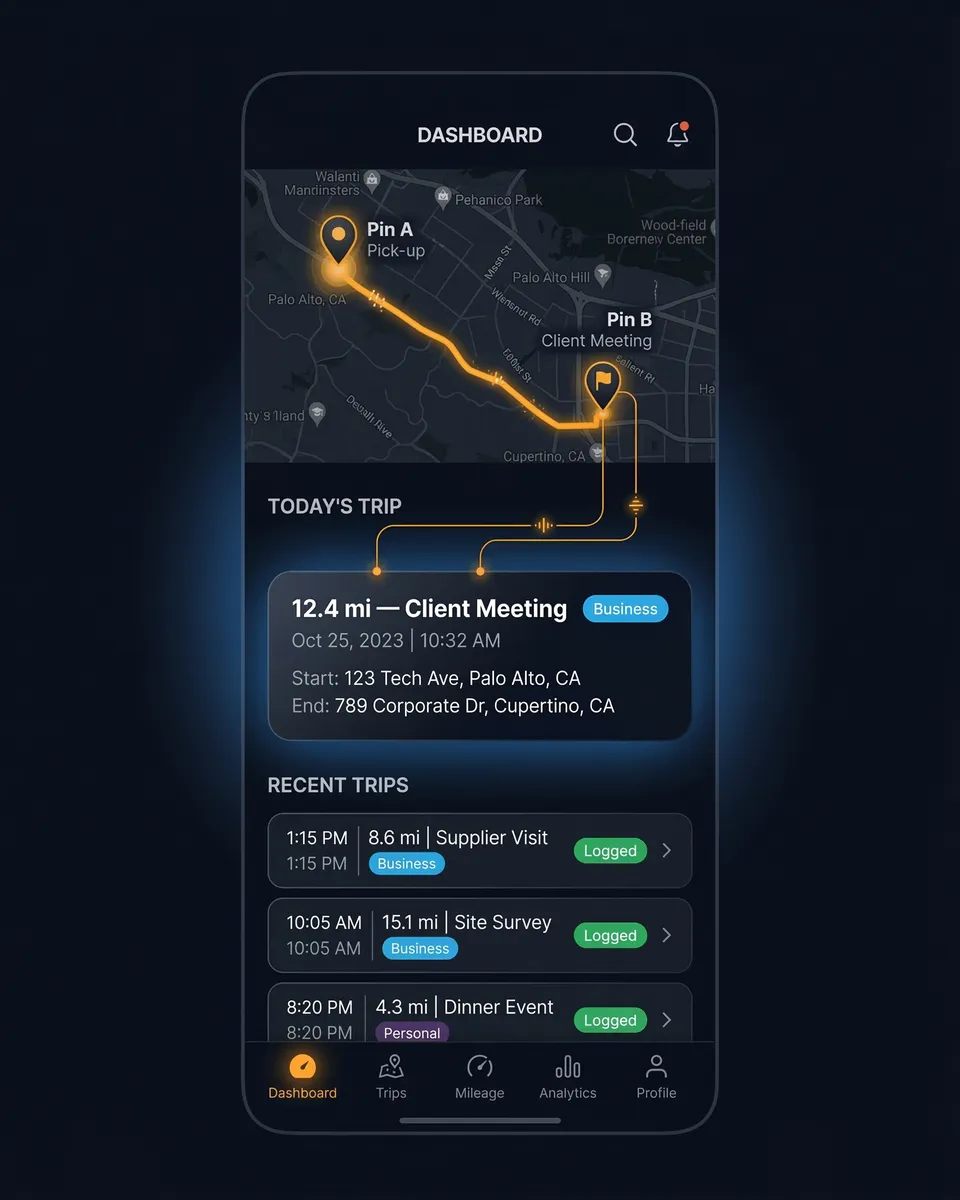
SparkReceipt's Trips feature works differently today. You tap Start when you set off and Stop when you arrive, or you enter a trip by typing the addresses. It records the route by GPS in the background once a trip is running, doubles the distance for a round trip, and lets you classify each trip business or personal in one tap. It can also suggest a trip for each meeting in your phone's calendar that has an address.
So the honest split is simple:
- If you only track mileage and want it fully hands-off, stay with a dedicated auto-tracker for now.
- If you track mileage and also drown in receipts, SparkReceipt is built for you. One app logs the trip, scans the receipt, sorts the expense, and reads the bank statement, for one price, with room for your accountant.
Most freelancers and small business owners are in that second group. They were never shopping for a mileage app. They needed their whole shoebox handled, and mileage was one more thing on the pile.
What Makes SparkReceipt Different
One app instead of three or four — Your miles, receipts, expenses, and bank statements live in one place. Log a drive on your phone, snap the gas receipt at the pump, and both are waiting on your dashboard, already sorted. Explore the mileage tracker and the AI receipt scanner.
1 user included, add teammates per-user, accountant free on top. You, plus your partner and team members added at a per-user rate, and your accountant joins at no cost. MileIQ's Unlimited plan covers one person.
AI receipt scanning — Snap any receipt and AI pulls the vendor, amount, date, and tax in seconds, in almost any language and 190 currencies. A mileage tracker can't do this at all.
Bank statement extraction — Upload a PDF, CSV, or Excel statement and AI extracts every transaction, then flags the charges missing a receipt. See the bank statement extractor.
A stable, all-in-one price — MileIQ's monthly plan went from $5.99 to $13.99 in two years, for the same single feature. SparkReceipt bundles the whole stack into one plan. Check SparkReceipt pricing for current numbers.
Feature Comparison
| Feature | MileIQ | SparkReceipt |
|---|
| Mileage tracking | Automatic background drive detection. The app logs trips with no input from you. | GPS trips you start and stop, manual entry by address, and trips suggested from your phone's calendar. |
| Trip classification | Swipe each drive business or personal. | Classify trips business or personal in one tap, individually or in batches. |
| Mileage reports | Reports formatted to the IRS standard rate, exportable as CSV or PDF. | Trip reports for any date range as PDF, CSV, or Excel, plus a PDF for each trip. New US accounts start with the IRS rate as the default, which you can change. On Elite, the Schedule C worksheet lists your business trips. |
| Receipt scanning | Not available — MileIQ tracks mileage only. | AI extracts vendor, amount, date, tax, and line items from any receipt, in almost any language. On a gas receipt, it also records the gallons you pumped. |
| Expense & income tracking | Not available. | Full expense and income tracking with automatic tax-category sorting. |
| Bank statement extraction | Not available. | Upload a statement and AI extracts and matches every transaction. |
| Accounting sync | Not available. | Direct QuickBooks Online and Xero sync, plus Zapier, Make, and Pabbly. |
| Multi-currency | Distance and reimbursement in your local unit. | 190 currencies with live exchange rates for receipts and expenses. |
| Users | One user on the Unlimited plan. | 1 user included, add more per-user. Invite your partner, and your accountant is always free. |
| Free tier | 40 drives per month, then paid. | Pro and Elite start with a 7-day free trial of every feature. |
SparkReceipt does not detect drives by itself, so a dedicated mileage app wins on hands-off capture. SparkReceipt aims to be the one app a self-employed person opens for everything else, with mileage included instead of billed separately.
This comparison is based on information publicly available from MileIQ's website and other online sources as of August 2026. Features and pricing may change over time. SparkReceipt is not affiliated with or endorsed by MileIQ.