


Expense Tracker for Self-Employed
Track every tax deduction. Scan receipts with AI. Be Schedule C-ready all year.
When you're self-employed, every missed receipt is a missed tax deduction. SparkReceipt's AI captures and categorizes your business expenses automatically — so nothing falls through the cracks. Scan receipts from your phone, forward email receipts, and generate Schedule C-ready reports in one click. Built for freelancers, 1099 contractors, and sole proprietors. Start with a 7-day free trial.





Every Deduction Captured, Every Receipt Organized
Stop leaving money on the table at tax time
The average self-employed person misses thousands in tax deductions every year — mostly from lost receipts and untracked expenses. SparkReceipt fixes that.
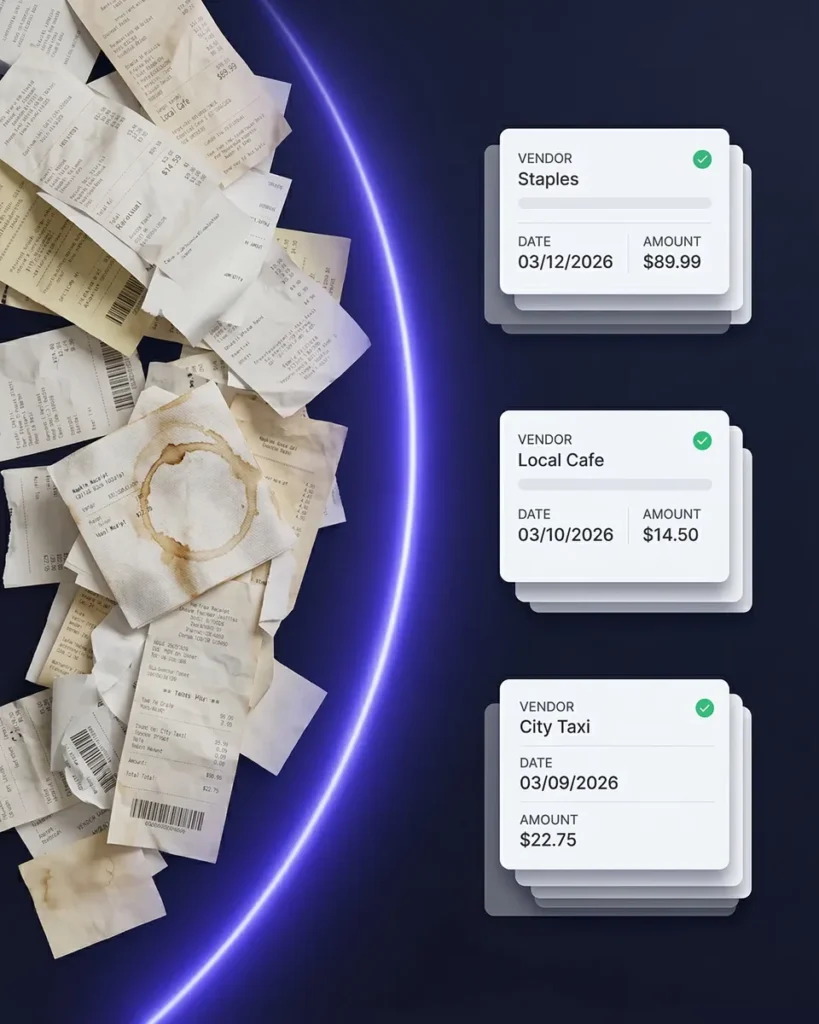
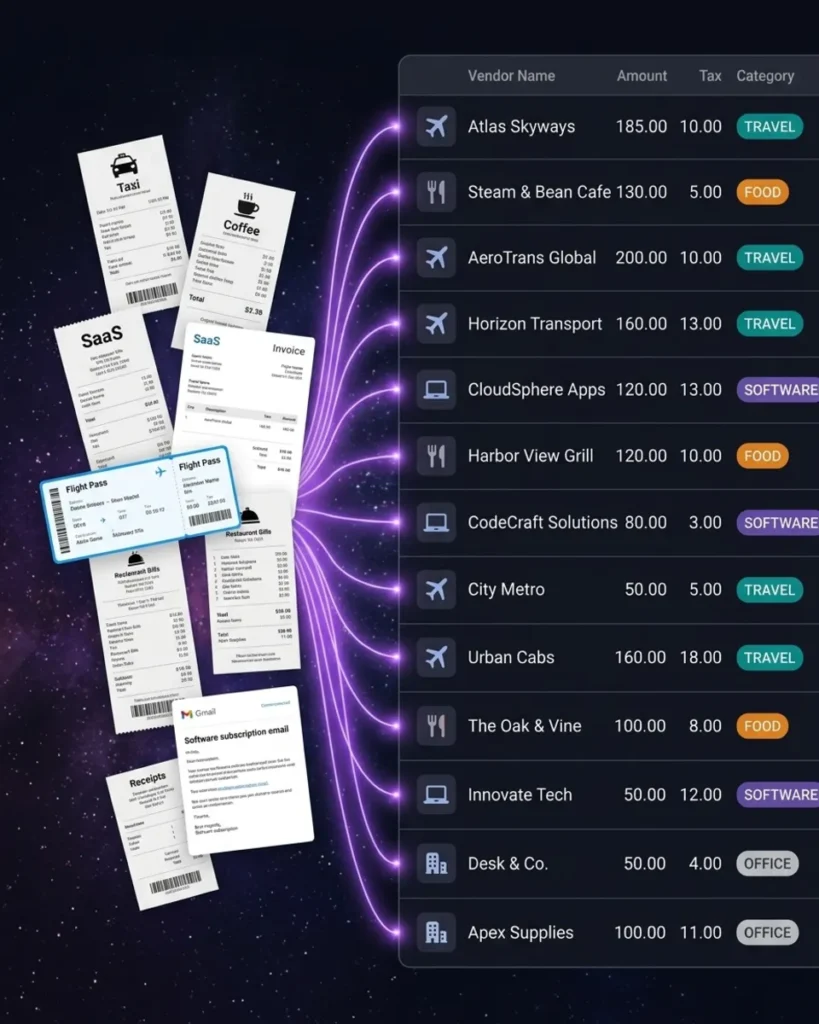
Snap a photo of any receipt and AI extracts the vendor, amount, date, tax, and category in seconds. Forward email receipts from SaaS subscriptions, online orders, and vendor invoices — or connect your Gmail, Outlook, Microsoft, or any IMAP inbox and SparkReceipt fetches them automatically. You can also scan historical emails with date filters to capture past receipts. Every expense is categorized for Schedule C without you lifting a finger.
Built for How Self-Employed People Actually Work
No corporate cards. No enterprise complexity.
Expensify wants $5/user/month. Ramp requires a corporate card. QuickBooks charges $30/month for full features. These tools are built for companies with employees and finance departments.
SparkReceipt is built for you — the freelancer, the 1099 contractor, the sole proprietor doing their own books. Simple, transparent pricing — $16.65/month, billed annually. No corporate card required. Works with whatever bank account and credit card you already use.
Mileage + Receipts + Expenses in One App
Track everything for your Schedule C — not just receipts
Self-employed deductions go beyond receipts. SparkReceipt is building mileage tracking directly into the app — so your business miles, gas receipts, parking charges, and vehicle expenses all live side by side.
At the 2026 IRS rate of 72.5 cents per mile, tracking mileage alongside expenses can add thousands to your annual deduction. Read more about the self-employed mileage deduction.
How It Works for Self-Employed
From receipt to Schedule C in three steps
Scan Receipts and Import from Email
Snap photos of paper receipts from your phone. Forward email receipts from vendors, subscriptions, and online purchases. Upload bank statements to catch any expenses you missed. SparkReceipt captures everything.
AI Sorts Into Schedule C Categories
Every expense is automatically categorized into Schedule C-relevant categories: advertising, car and truck expenses, insurance, office expenses, supplies, travel, meals, professional services, and more. The AI learns your vendors and gets more accurate over time.
Generate Tax-Ready Reports
When tax time comes — or your accountant asks — generate a complete expense report in one click. Reports include category breakdowns matching Schedule C lines, receipt images for documentation, and totals your accountant can use directly. Export in PDF, Excel, or CSV, or sync to QuickBooks.
Trusted by Self-Employed Professionals
See why freelancers and contractors choose SparkReceipt

Excellent software to manage income and expenses, and have the relevant info at your fingertips at any given time.
I needed a solution to organize and process my personal and business receipts. I'm thrilled I found SparkReceipt. It saves me a lot of time!

Excellent start and amazing team. Looking forward to making SparkReceipt my default expense management and accounting platform.
Self-Employed Expense Tracker FAQ
What expenses can I track as self-employed?
Common deductible expenses for self-employed include: home office costs, software subscriptions, professional services, advertising, supplies, travel, meals (50%), vehicle expenses, insurance, phone and internet, and professional development. SparkReceipt categorizes all of these automatically. See our complete guide to tax deductions for freelancers.
Does SparkReceipt generate Schedule C reports?
SparkReceipt categorizes expenses into Schedule C-relevant categories and generates expense reports with category breakdowns that map to Schedule C lines. Your accountant can use these reports directly for tax filing.
Can I separate business and personal expenses?
Yes. Use sub-accounts or tags to keep business and personal expenses separate. Generate reports for business expenses only — even if you use the same credit card for everything.
How does this compare to just using QuickBooks?
QuickBooks is full accounting software ($30+/month) designed for bookkeepers. SparkReceipt is a pre-accounting tool ($16.65/month, billed annually) that captures and organizes your receipts and expenses, then syncs to QuickBooks when you’re ready. Many self-employed professionals use SparkReceipt to feed clean data into QuickBooks — or use SparkReceipt alone if they don’t need full accounting.
Can my accountant or tax preparer access my data?
Yes. Invite your accountant or bookkeeper to your account at any time so they can view your organized receipts, expense categories, and reports.
How much does it cost?
SparkReceipt’s Elite plan is $16.65/month, billed annually ($199/year), with a 7-day free trial. See pricing.